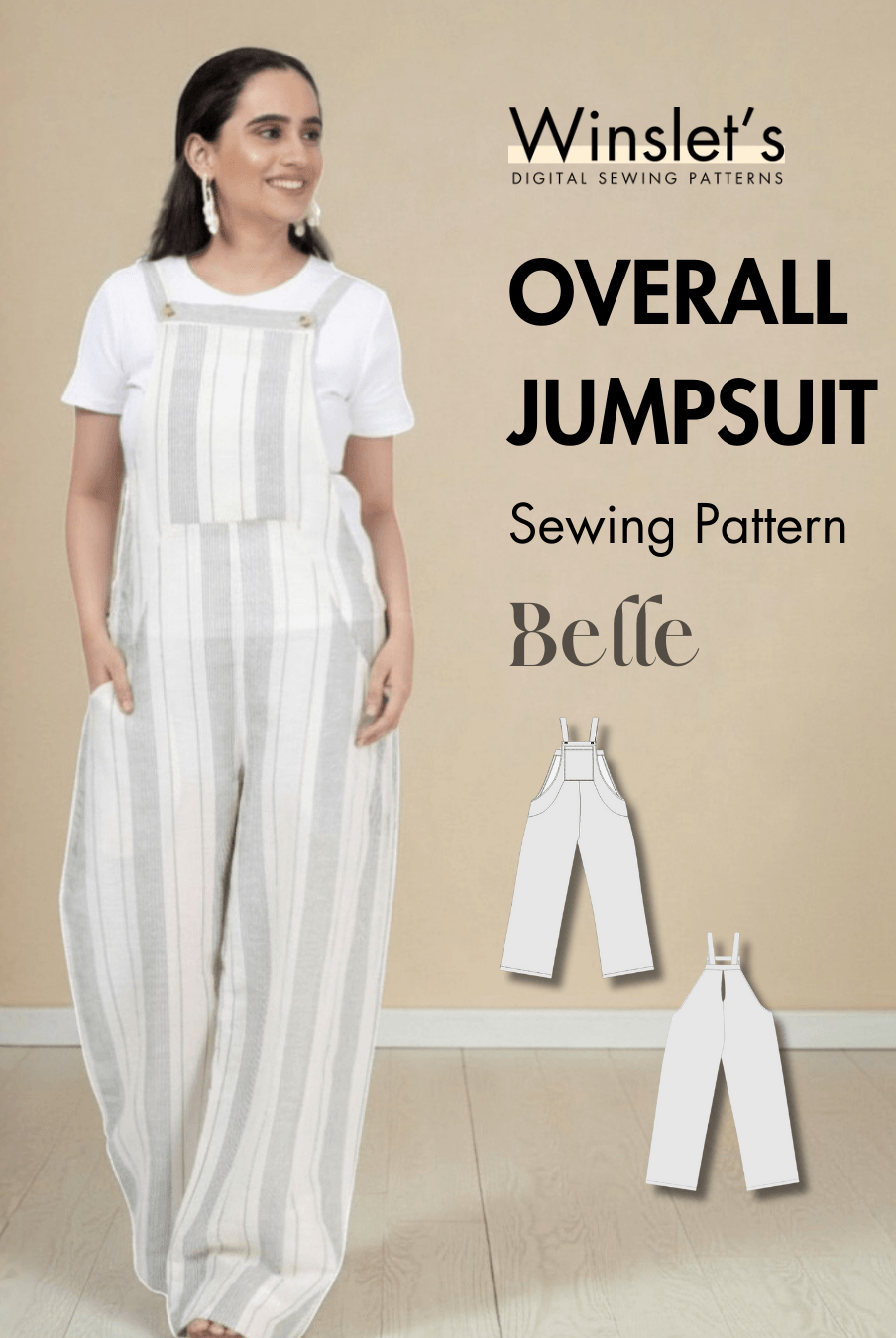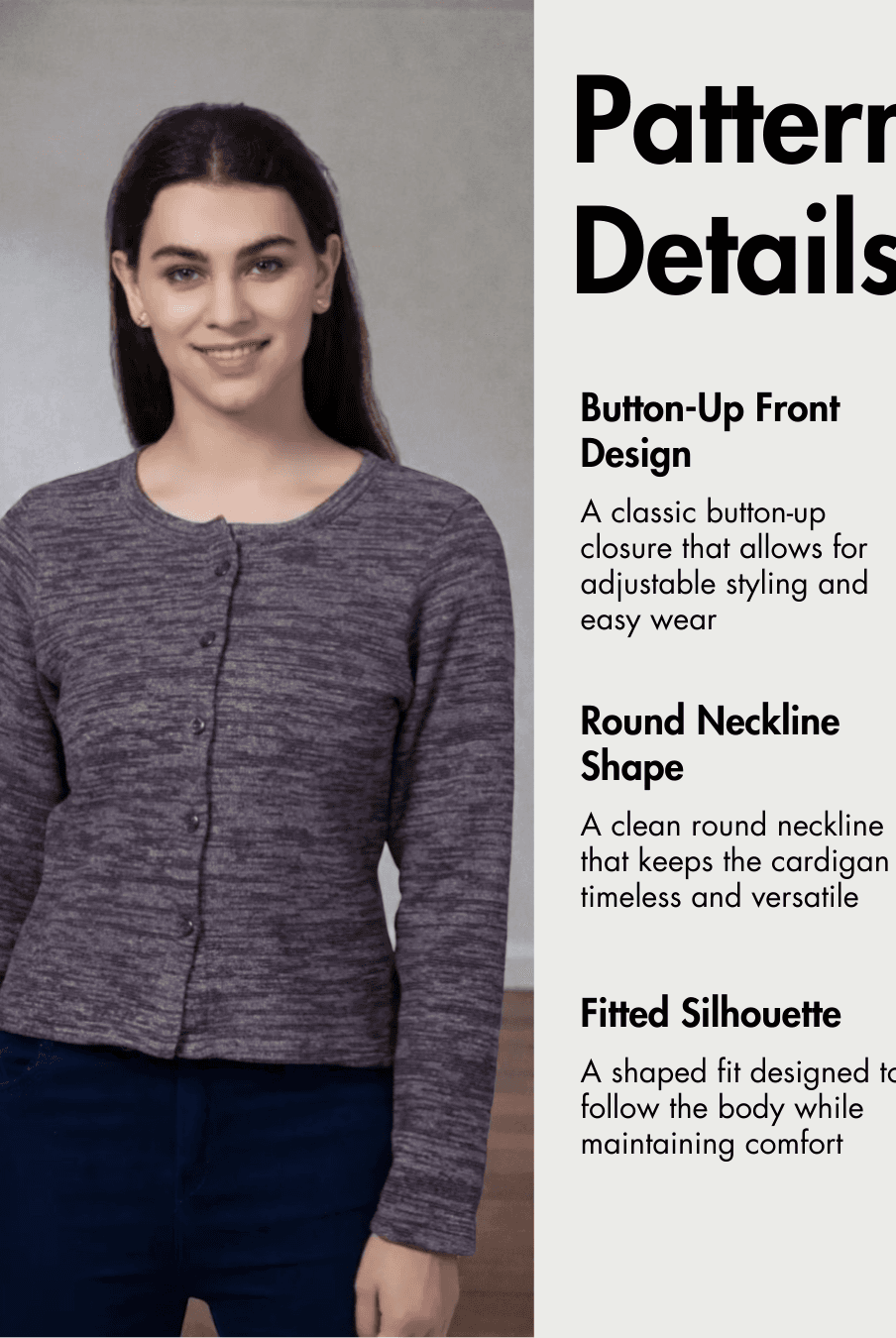
To cut fabric with a rotary cutter, place the fabric on a cutting mat, position it accurately, and guide the rotary blade along a ruler or pattern edge while always cutting away from your body. A sharp blade and controlled cutting motion can produce clean, accurate edges on woven, knit, and even sheer fabrics.
In this guide, you’ll learn how to choose a rotary cutter, prepare your cutting surface, square fabric, cut straight and curved edges, work with knit fabric, and use the tool safely. These techniques are useful when cutting pieces from a Winslet's sewing pattern or any garment pattern where accurate cutting is important.

What Do You Need to Cut Fabric With a Rotary Cutter?
At minimum, you need a rotary cutter, a cutting mat, and your fabric. For straight cuts, you’ll also need a suitable ruler to guide the blade.
The main tools are:
-
Rotary cutter
-
Sharp rotary blade
-
Cutting mat
-
Cutting ruler
-
Fabric or sewing pattern
A cutting mat is essential. Do not use a rotary cutter directly on a table because you can damage both the work surface and the rotary cutter.
Which Size Rotary Cutter Should You Use?
A 45 mm rotary cutter is a practical general-purpose size, while a smaller 28 mm cutter can be useful for curves and cutting around sewing patterns.
Rotary cutters are available in several sizes, including:
-
28 mm — useful for curves and maneuvering around pattern edges
-
45 mm — a versatile general-purpose option
-
60 mm — a larger rotary cutter option
If you are buying your first rotary cutter, the 45 mm size is a useful starting point because it can handle a variety of cutting tasks.
For more detailed curved areas, switching to the smaller 28 mm blade can make it easier to follow the shape accurately.
Why Does a Sharp Rotary Blade Matter?
A sharp blade produces a cleaner cut without requiring repeated passes over the same area.
You’ll usually know that a rotary blade needs changing when:
-
It stops cutting cleanly
-
You need several passes to cut through the fabric
-
The blade skips sections as you cut
Rather than repeatedly cutting over the same line, check whether the blade has become dull.
Rotary blades are extremely sharp, so handle both new and used blades carefully.
How Do You Use a Rotary Cutter Safely?
Always cut away from your body, keep your fingers clear of the cutting path, and cover or retract the blade immediately after use.
Follow these basic safety steps:
-
Work on a cutting mat.
-
Position your fabric and ruler securely.
-
Release the rotary cutter's safety mechanism only when you are ready to cut.
-
Keep your fingers away from the ruler edge and blade path.
-
Cut away from your body.
-
Never cut toward yourself simply because it is quicker or easier to reach an area.
-
Cover or retract the blade immediately after completing the cut.
-
Engage the safety lock when the cutter is not being used.
Some rotary cutters have retractable blades that automatically pull back into the tool when pressure is released. A safety lock can provide additional protection when the cutter is stored or not in use.
Why Do You Need a Cutting Mat?
A cutting mat provides the surface needed to use a rotary cutter without damaging your table or cutter.
Cutting mats are available in different materials and sizes. Self-healing mats are a common option, while PVC cutting mats are another type.
A larger mat gives you more working space, which can be helpful when cutting larger pieces of fabric.
Whatever type you choose, protect it from inappropriate heat. In particular, do not use your rotary cutting mat as an ironing surface, as heat can warp some mats.
How Do You Prepare Fabric for a Straight Rotary Cut?
For woven fabric, begin by aligning the selvage edges and checking that the fabric is sitting correctly along the grain.
Simply placing the selvages together is not enough if the fabric is twisting or sitting unevenly. Take time to smooth and align it before cutting.
How to Square the Edge of Fabric
-
Identify the selvage edges.
These are the finished edges running along the length of the fabric. -
Bring the selvage edges together.
Align them carefully. -
Check the fabric for twisting.
The fabric should lie naturally rather than appearing skewed or distorted. -
Position the fabric on your cutting mat.
-
Place your ruler across the fabric.
Use the ruler to establish the straight cutting line. -
Position the rotary blade against the ruler edge.
-
Keep your fingers away from the cutting path.
-
Begin the cut slightly before the fabric edge.
-
Continue the rotary cutter completely beyond the opposite edge.
Starting and finishing beyond the fabric helps prevent small sections at the ends from remaining attached.
The result should be a clean, squared fabric edge.
How Do You Make a Straight Cut With a Rotary Cutter?
For a straight cut, hold the ruler securely and run the rotary cutter directly alongside its edge in one controlled motion.
The ruler acts as your cutting guide. Keep the blade close to the ruler so it follows the intended line rather than drifting away.
If your cutting mat or ruler is not large enough for the full width of the fabric, the fabric can be folded carefully before making the cut. Make sure the edges and fold are correctly aligned first.
For long cuts, watch for ruler movement. A ruler that shifts during cutting can change the cutting line and may waste fabric.
If you'd like to see these rotary cutting techniques demonstrated visually, you can watch the video below.
Can You Cut Knit Fabric With a Rotary Cutter?
Yes. A rotary cutter can work particularly well on knit fabric because the fabric can remain flat on the cutting surface while you cut.
Some knit fabrics have edges that curl. When cutting with scissors, keeping these edges flat can be challenging.
With a rotary cutter, the fabric remains supported by the mat, while a ruler can help keep the material flat during a straight cut.
How to Cut a Straight Edge on Knit Fabric
-
Lay the knit fabric flat on your cutting mat.
-
Smooth the area you intend to cut.
-
Position the ruler over the fabric.
-
Use the ruler to help hold curling edges flat.
-
Guide the rotary cutter along the ruler edge.
-
Complete the cut in a smooth, controlled motion.
This allows you to cut without repeatedly lifting the fabric as you might when using scissors.
Can You Cut Curves With a Rotary Cutter?
Yes. A rotary cutter can follow curved pattern edges, and a smaller cutter can make tight curves easier to navigate.
A 28 mm rotary cutter is particularly useful for this type of work.
How to Cut Around a Curved Pattern Edge
-
Position the pattern and fabric securely on the cutting mat.
-
Use a smaller rotary cutter when greater maneuverability is needed.
-
Place the blade against the curved pattern edge.
-
Move gradually around the curve.
-
Slightly raise the handle end of the rotary cutter as you move around tighter curves.
-
Continue following the pattern edge until the curved section is complete.
Lifting the handle end slightly can make the rotary cutter easier to maneuver through the change in direction.
A larger rotary cutter can also cut curves, but the smaller blade can provide easier control around pattern pieces.
How Do You Stop a Ruler From Moving While Cutting?
Apply steady pressure to the ruler and make sure it is stable before beginning the cut.
Long cuts can be frustrating if the ruler shifts halfway through. Once it moves, you may have to recut the edge and potentially waste fabric.
Some rulers and accessories are designed to improve stability. For example, a raised edge can sit against the edge of the cutting mat in a T-square-style arrangement, helping keep the ruler straight.
The important point is to prevent the ruler from shifting while the rotary cutter travels alongside it.
How Do You Change a Rotary Cutter Blade?
Change the blade when it begins skipping or requires repeated cutting strokes, and handle every component carefully during replacement.
The exact assembly can vary between rotary cutters, so pay attention to how the components are arranged when you take yours apart.
A general process is:
-
Engage the safety mechanism if your cutter has one.
-
Unscrew the blade assembly from the back.
-
Remove the screw and washers carefully.
-
Keep the components in the order in which they were removed.
-
Carefully remove the old blade.
-
Position the replacement blade.
-
Return the washers and other components in their original orientation.
-
Replace and secure the screw.
-
Check that the cutter is correctly assembled before using it.
Because rotary blades are extremely sharp, avoid touching the cutting edge during this process.
What Should You Do With an Old Rotary Blade?
Do not throw a loose rotary blade directly into the rubbish.
Even a blade that is too dull for fabric may still cause a serious cut when someone handles the rubbish.
One option is to return the used blade to a protective blade case and clearly label it as used so it is not confused with your new blades.
A used fabric blade may also still be useful for cutting paper or cardboard—materials you may not want to use a new fabric blade on.
You can also date a newly installed blade if you want to keep track of how long it has been in use.
Common Rotary Cutting Mistakes to Avoid
Most rotary cutting problems come from a dull blade, an unstable ruler, poor fabric alignment, or unsafe cutting direction.
Cutting Directly on a Table
Always use a cutting mat. Cutting directly on your work surface can damage both the table and your rotary cutter.
Continuing to Use a Dull Blade
If the cutter skips or requires several passes, the blade may need replacing.
Leaving the Blade Exposed
Cover, retract, or lock the blade immediately after use. Even accidentally touching an exposed blade can cause an injury.
Cutting Toward Your Body
Always move the rotary cutter away from your body. Do not change direction toward yourself just to make a corner quicker to reach.
Keeping Your Fingers Too Close to the Blade
Keep your fingers clear of the ruler edge and cutting path throughout the cut.
Starting and Stopping Directly on the Fabric Edge
When squaring fabric, start slightly before the fabric and continue beyond the opposite edge. This helps prevent small connected sections at either end.
Ignoring Fabric Twist Before Cutting
When squaring woven fabric, align the selvages and check that the fabric is sitting correctly rather than twisted.
Allowing the Ruler to Shift
Keep the ruler stable throughout long cuts. Movement can create an inaccurate edge and waste fabric.
Get Comfortable With Your Rotary Cutter
Learning how to cut fabric with a rotary cutter comes down to control, accurate fabric placement, the right blade size, and safe handling. Use a cutting mat, keep the blade sharp, stabilize your ruler, and practise straight and curved cuts until the motion feels comfortable.
Once you understand the basics, the same techniques can be applied when cutting many garment pattern pieces from woven or knit fabric.
When you're ready to practise your rotary cutting skills on a garment project, explore Winslet's sewing pattern collections and choose a pattern that gives you an opportunity to practise careful, accurate fabric cutting.
FAQs
What size rotary cutter is best for beginners?
A 45 mm rotary cutter is a useful general-purpose size for someone starting out.
What size rotary cutter is best for curves?
A smaller 28 mm rotary cutter can be easier to maneuver around curves and sewing pattern edges.
Can you use a rotary cutter on knit fabric?
Yes. Rotary cutters work well on knit fabrics, and a ruler can help hold curling edges flat while making straight cuts.
Do you need a mat when using a rotary cutter?
Yes. A cutting mat is essential for protecting your work surface and providing an appropriate surface for rotary cutting.
How do you know when a rotary blade is dull?
A blade may need changing if it skips areas of fabric or you need repeated passes to complete a cut.
Can a rotary cutter cut around sewing patterns?
Yes. Rotary cutters can be used around pattern edges. A smaller cutter can provide greater maneuverability around curved sections.
Should you cut toward or away from your body?
Always cut away from your body and keep your fingers clear of the blade path.