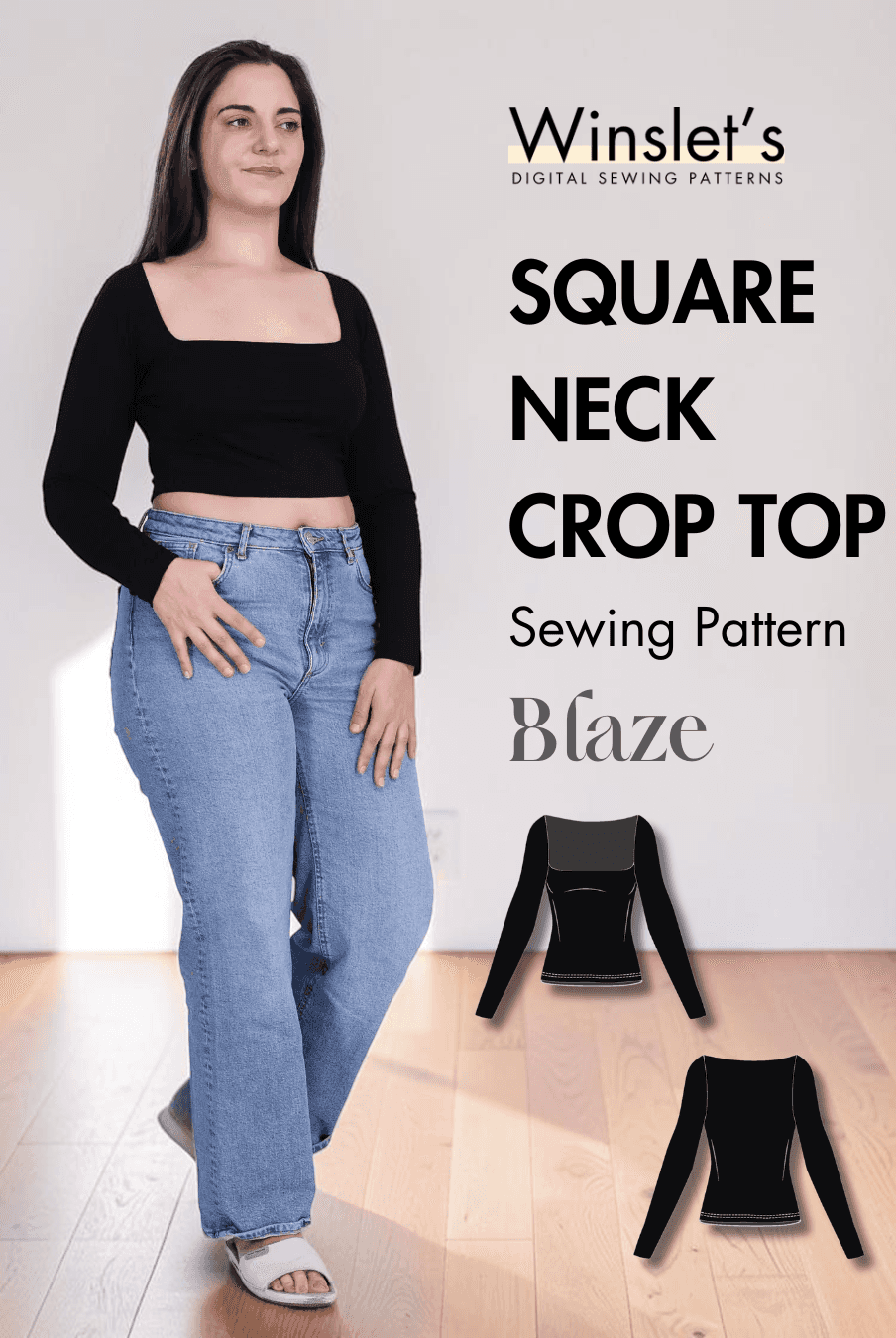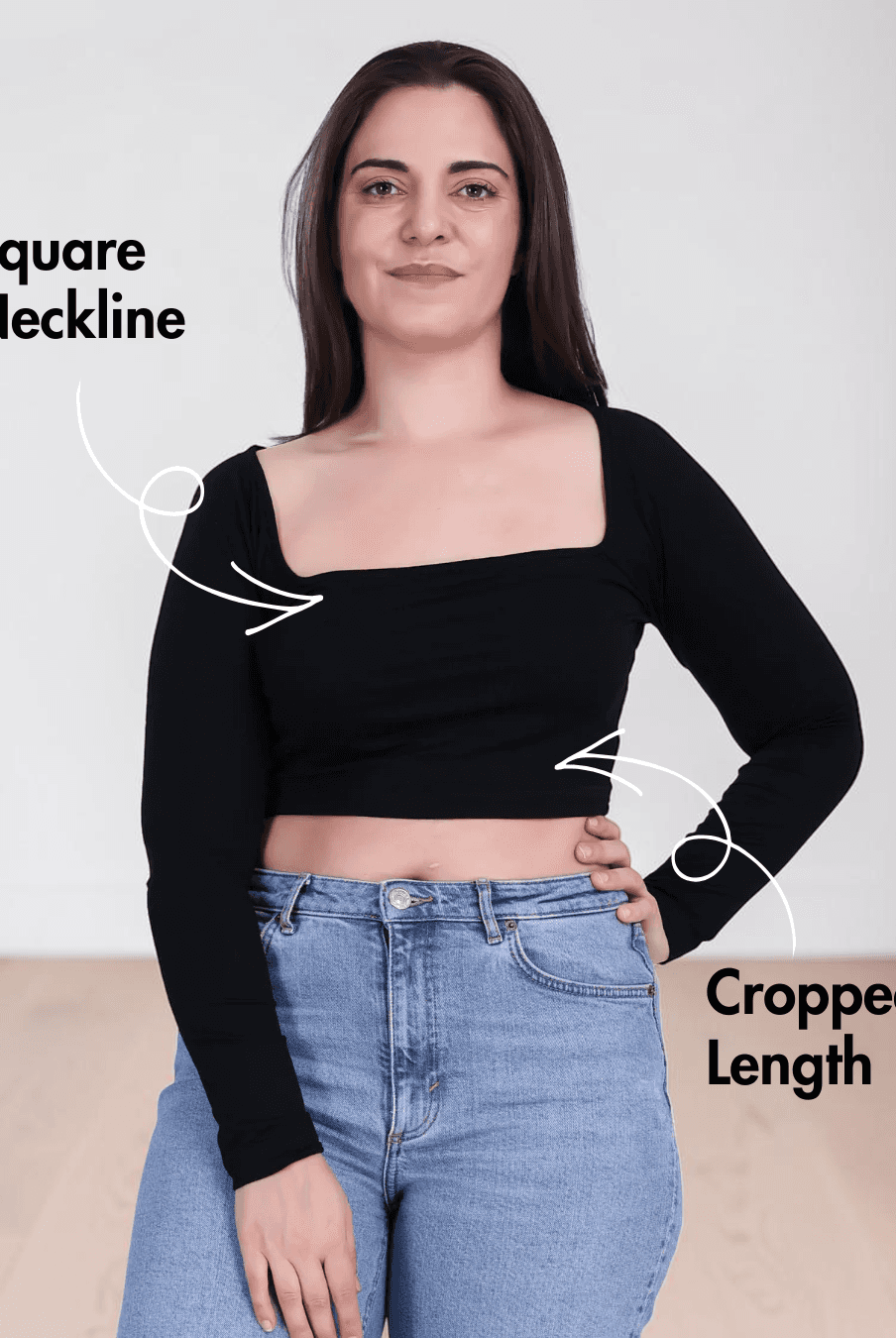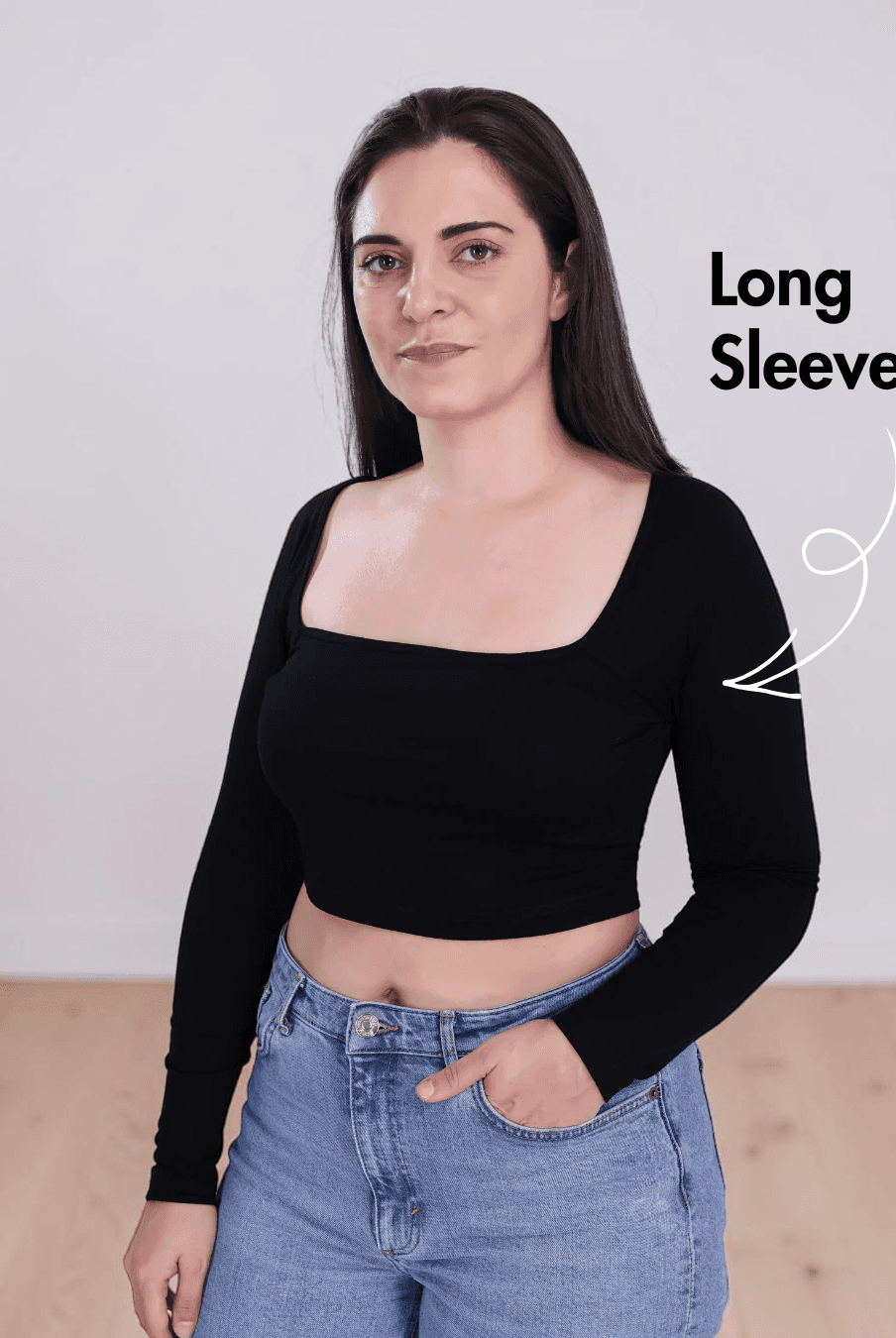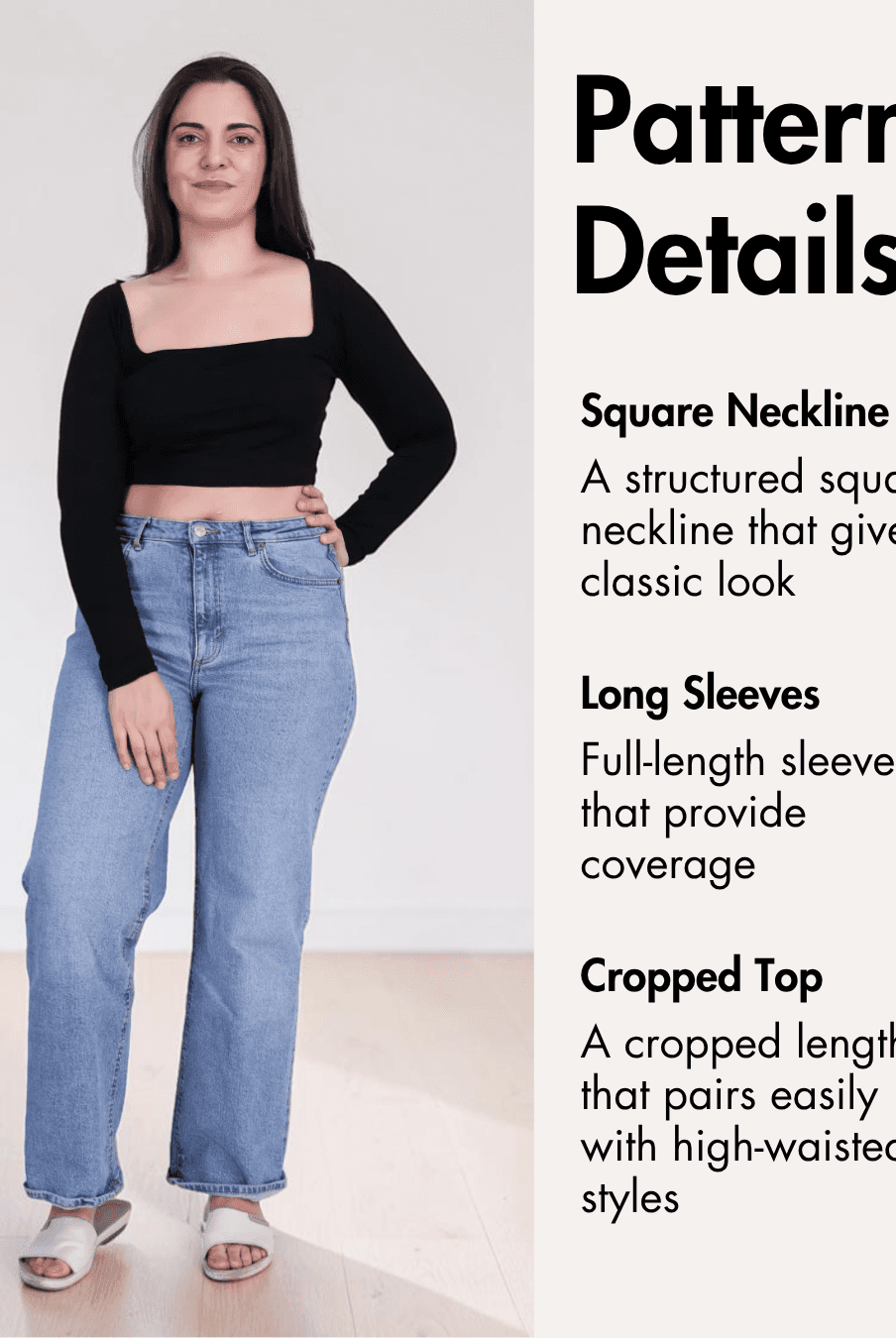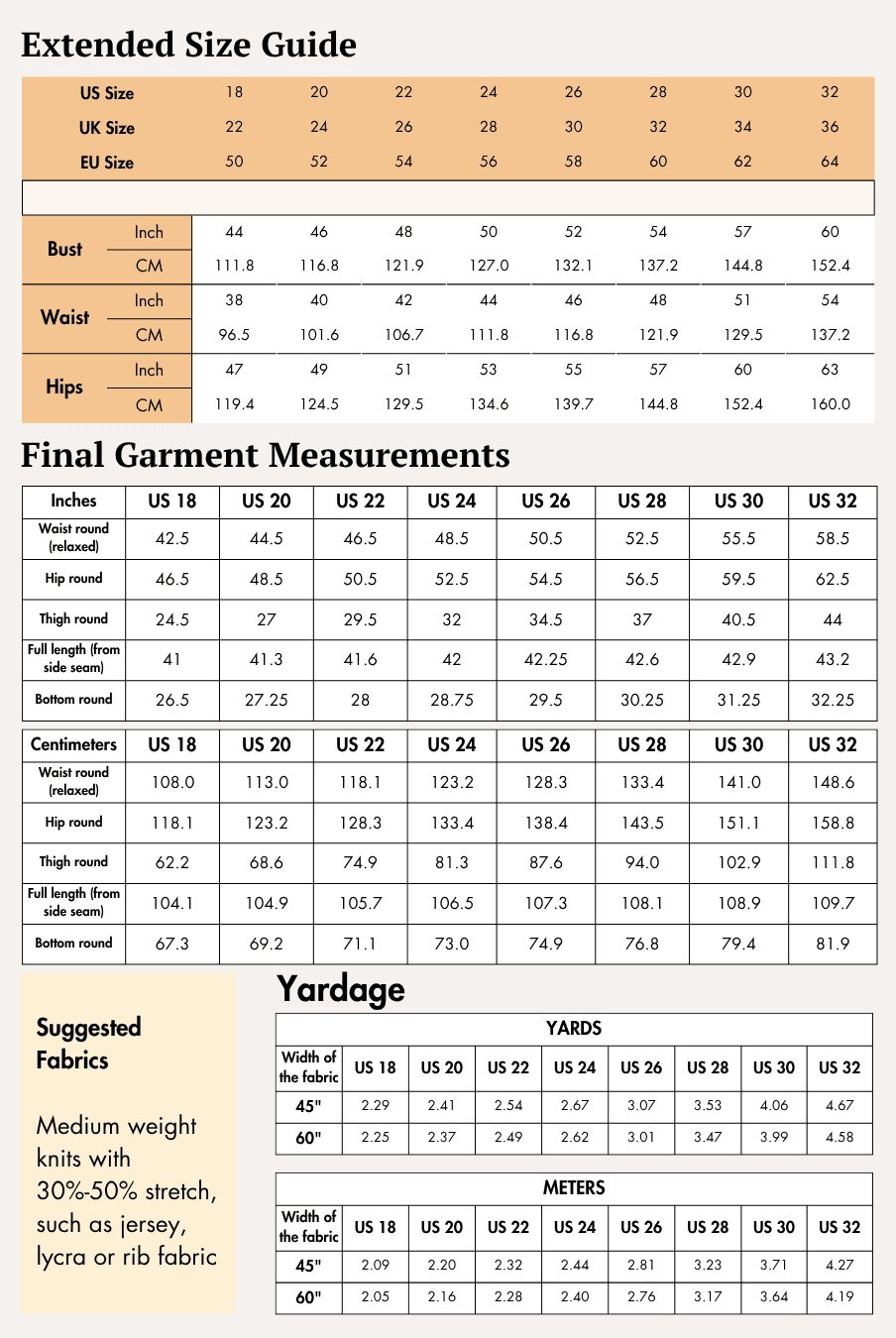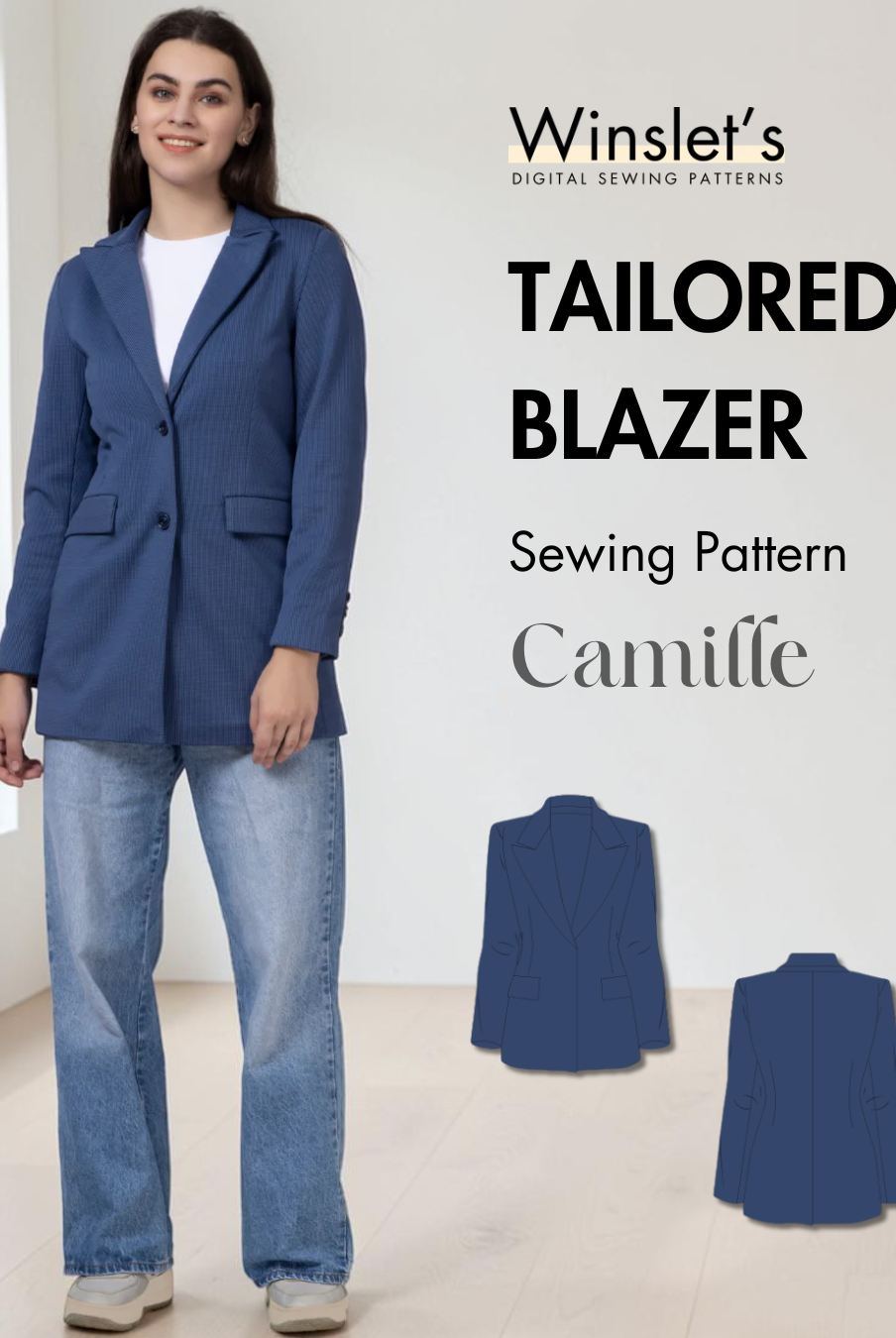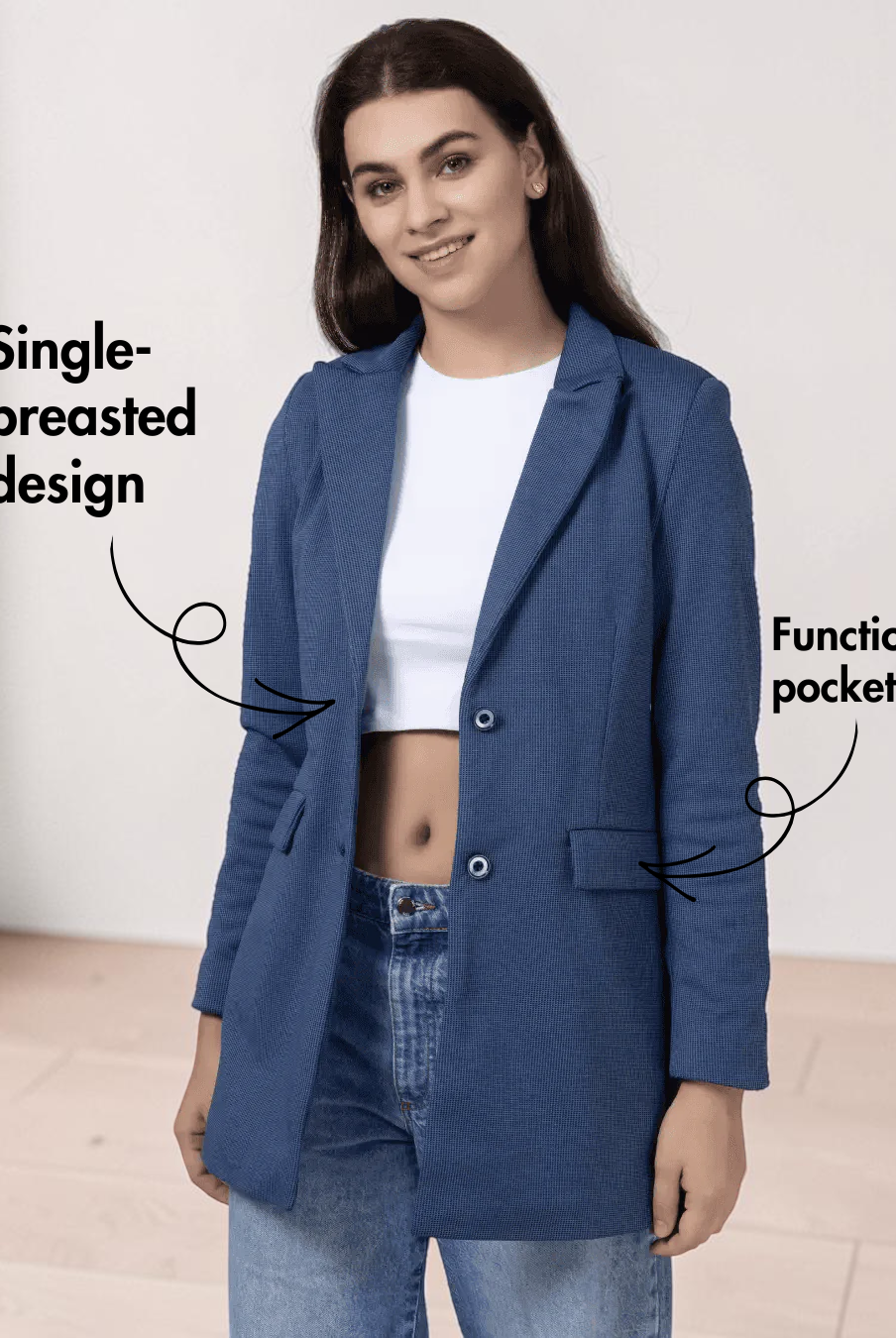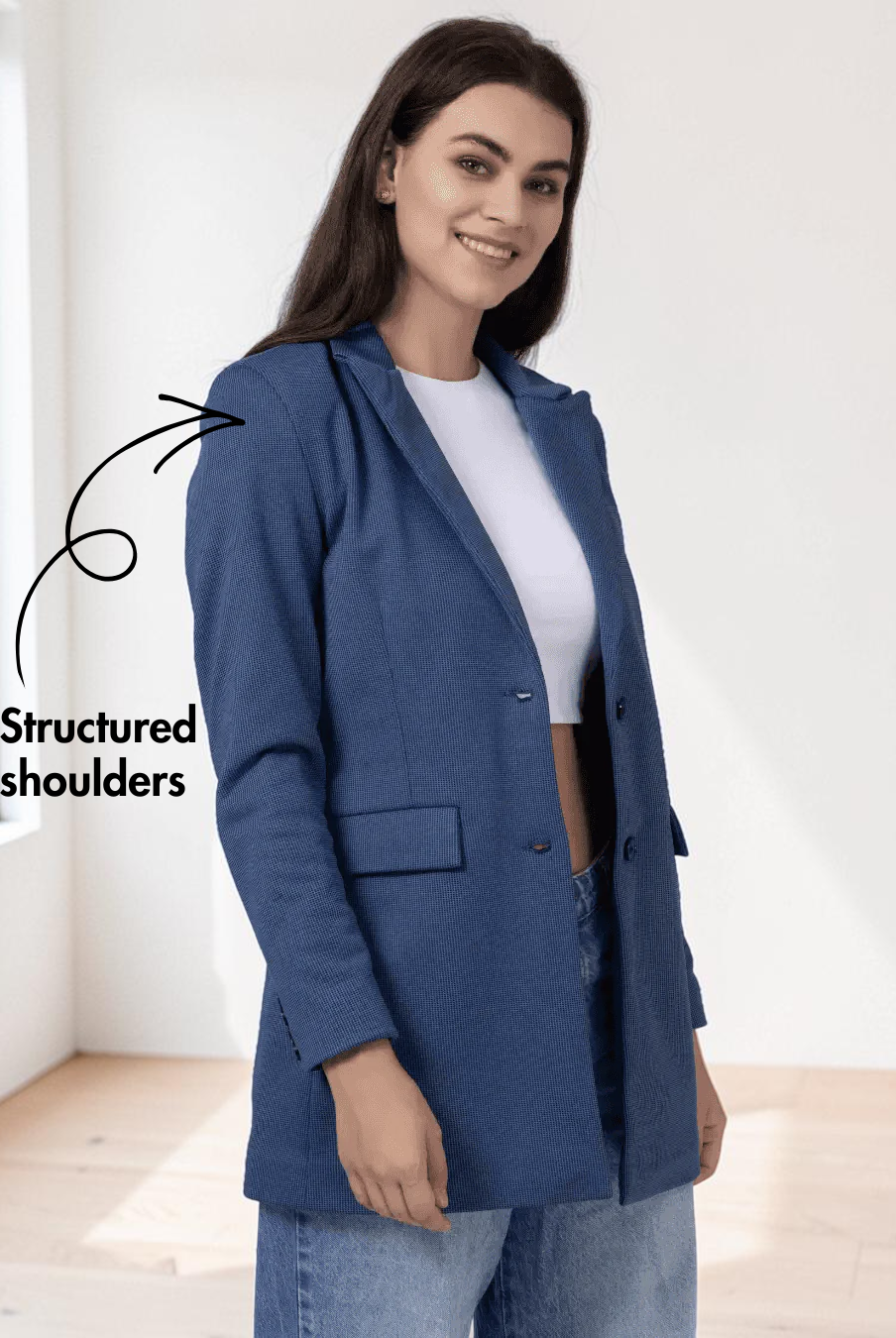
Digital PDF sewing patterns offer instant access to designs, but accurate printing and assembly are essential for proper fit and results. From selecting the correct paper size to aligning and securing tiled pages, this guide walks you through each step to ensure smooth, stress-free pattern preparation.
If you are using a Winslet's digital Sewing Pattern, we have a detailed blog post about downloading, printing and cutting our patterns here

Step 1: Print the digital PDF sewing pattern at the correct scale
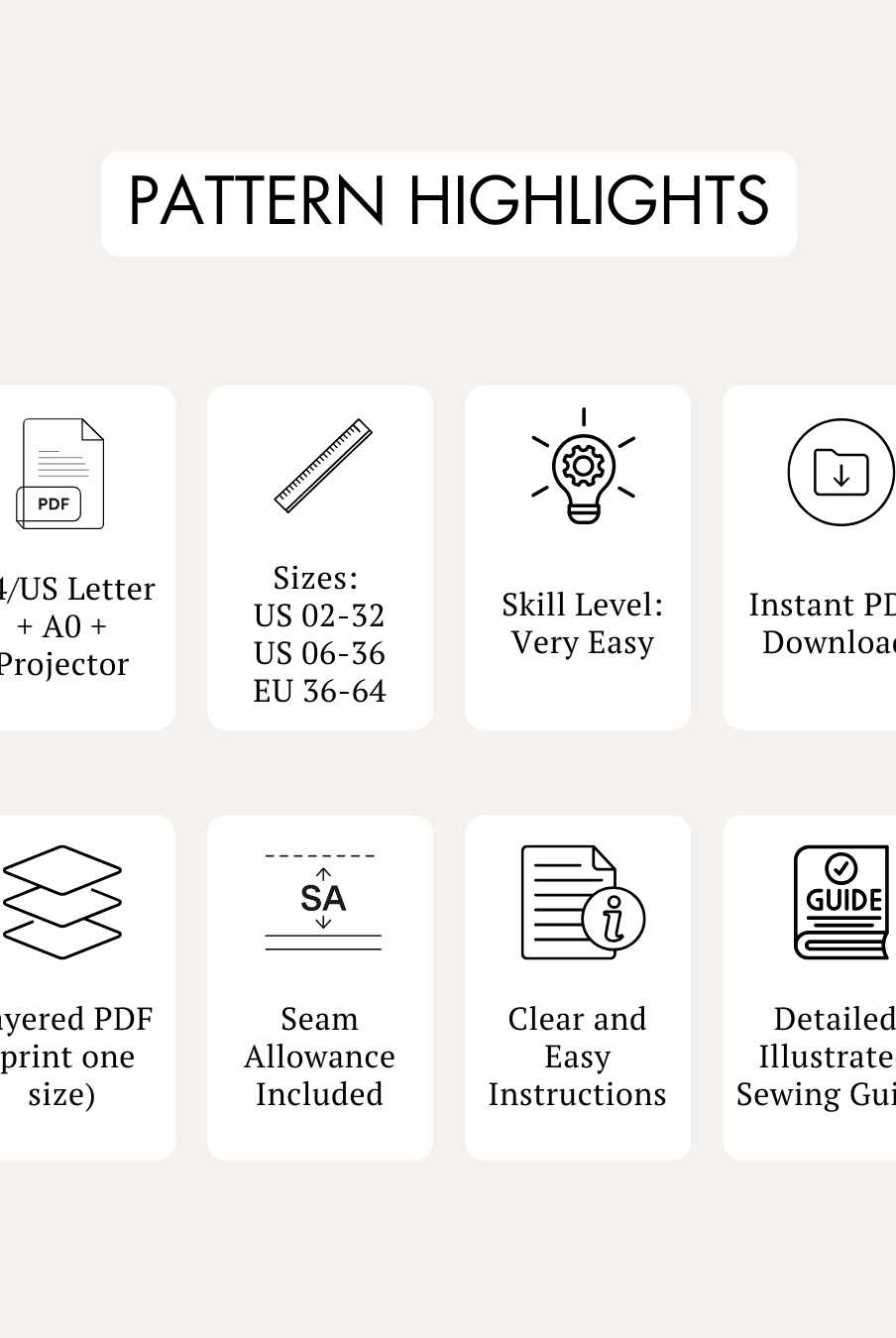
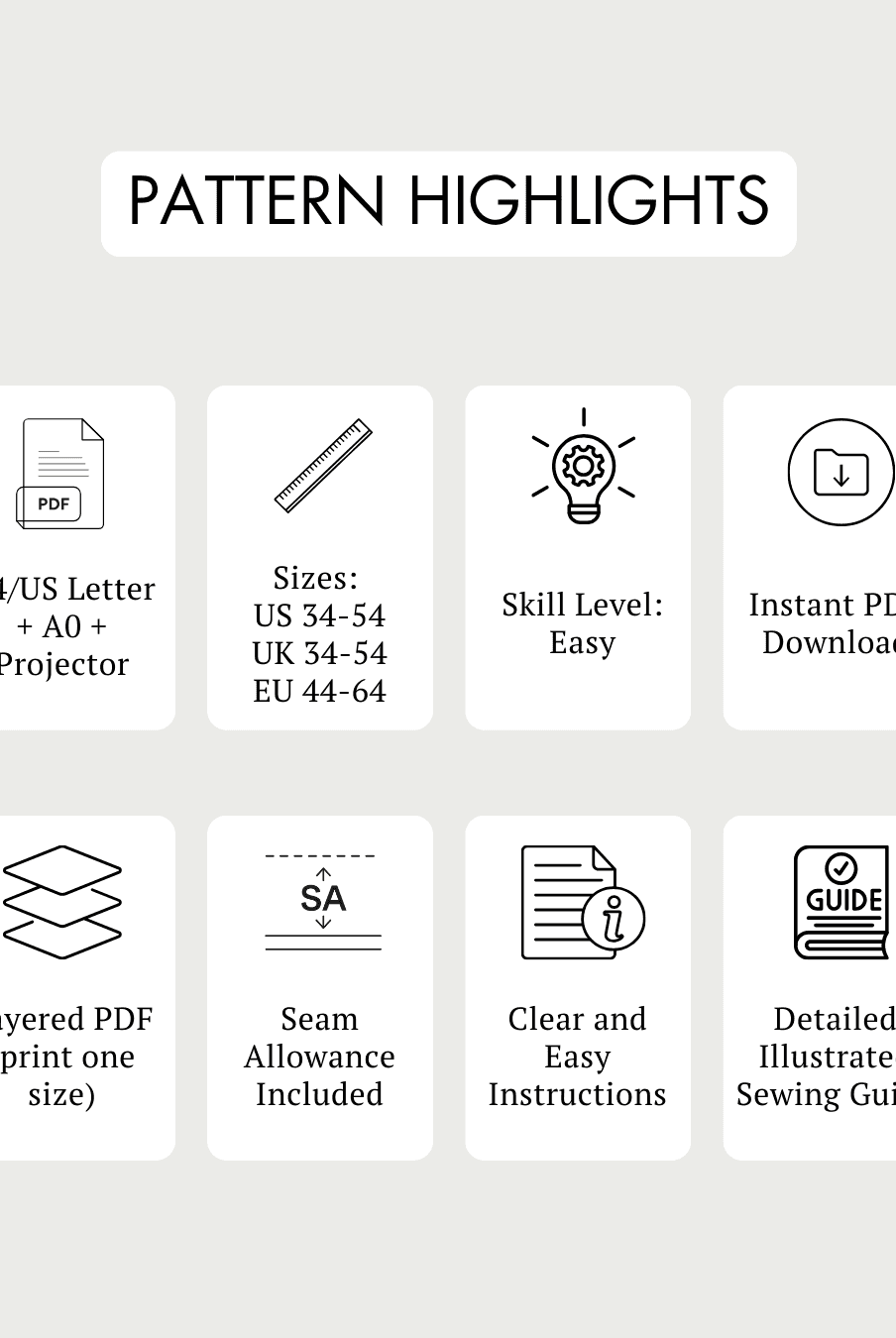
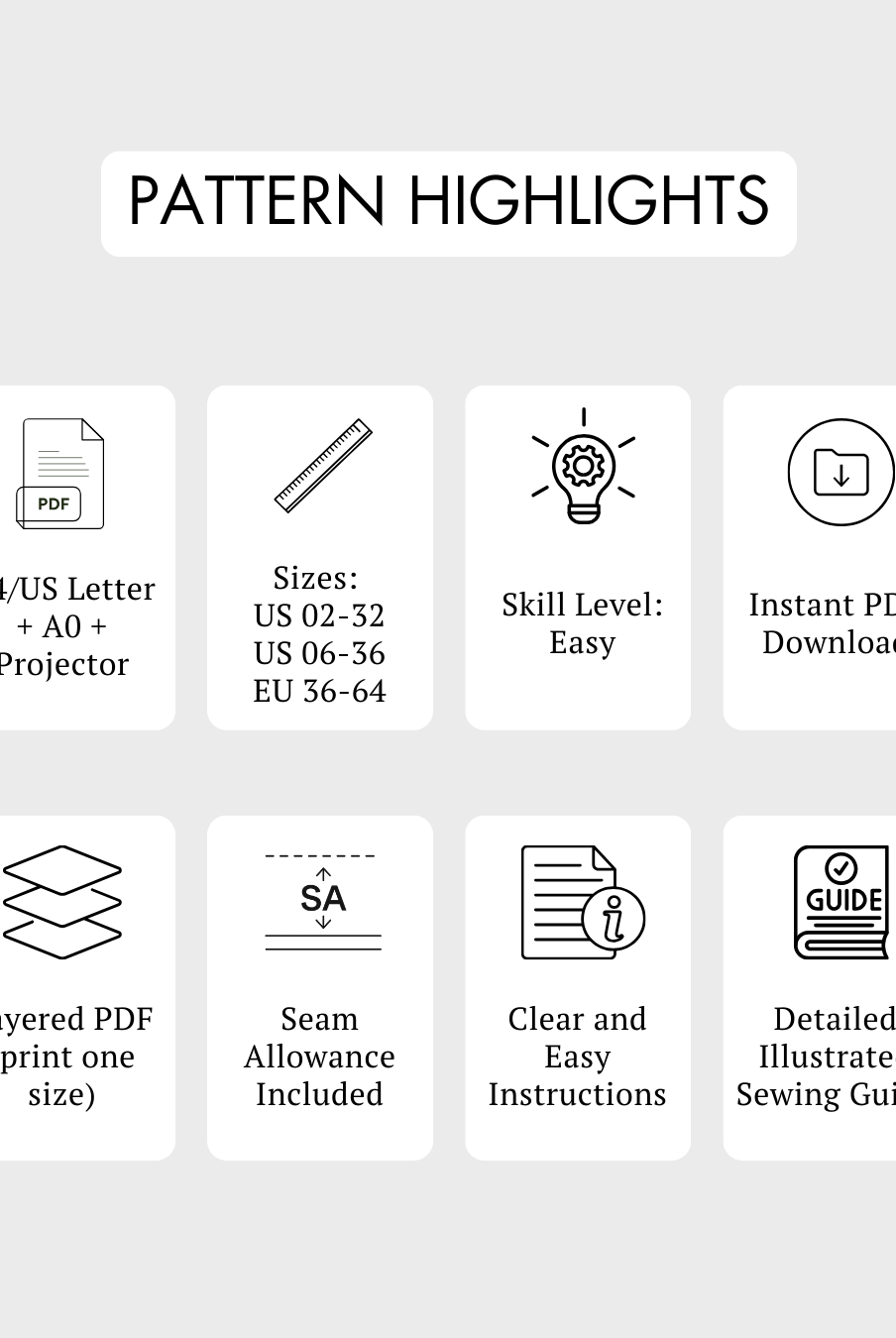
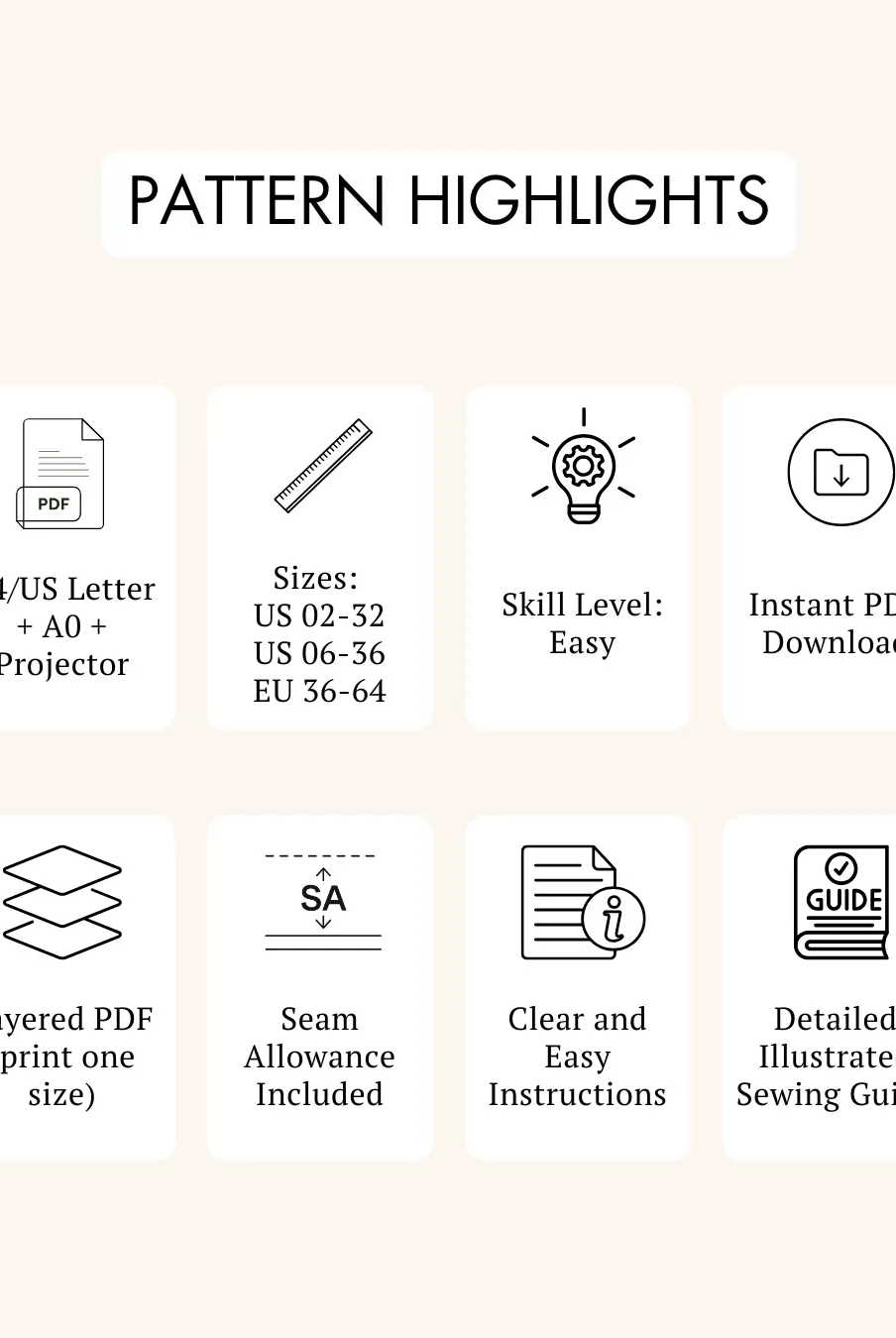
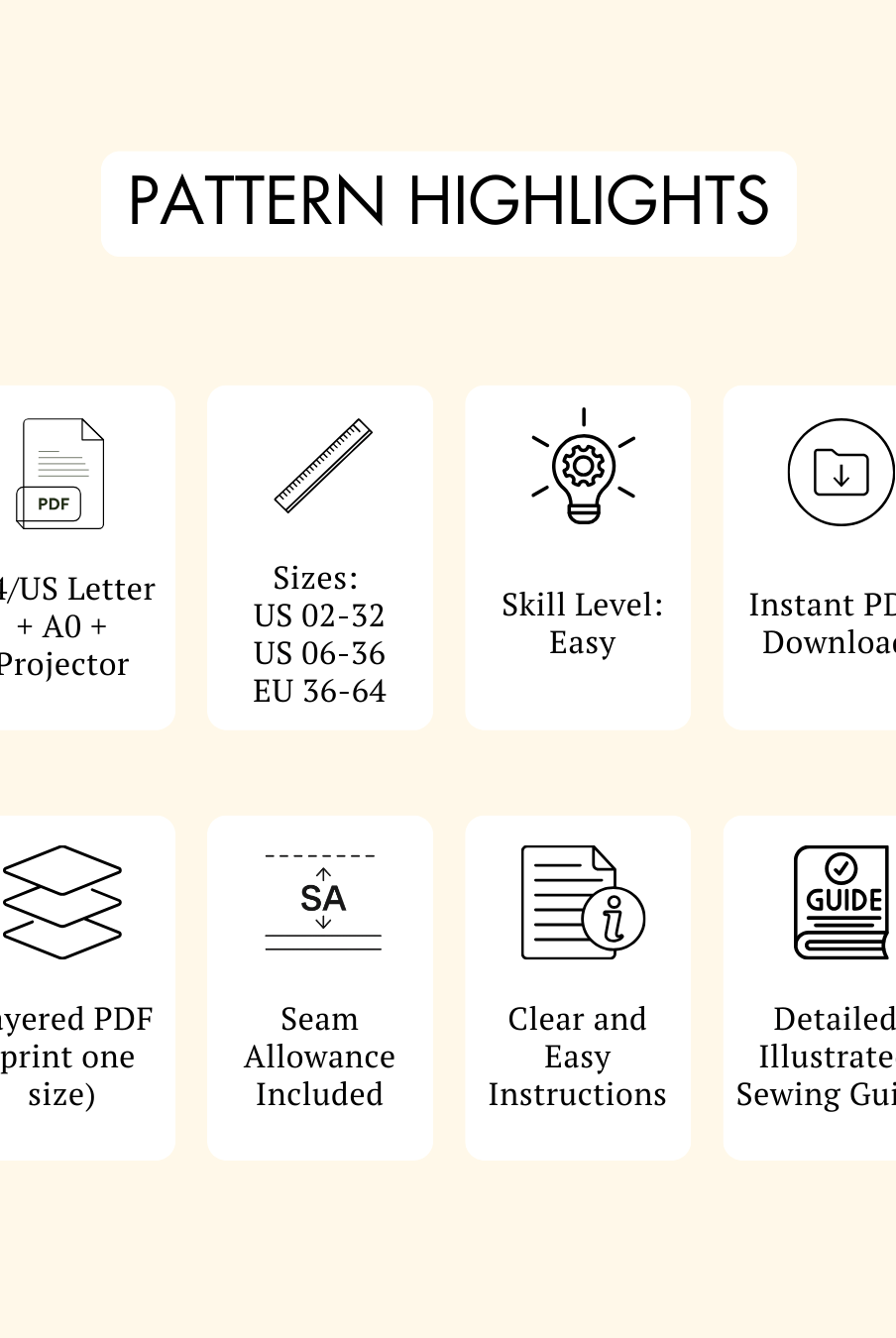
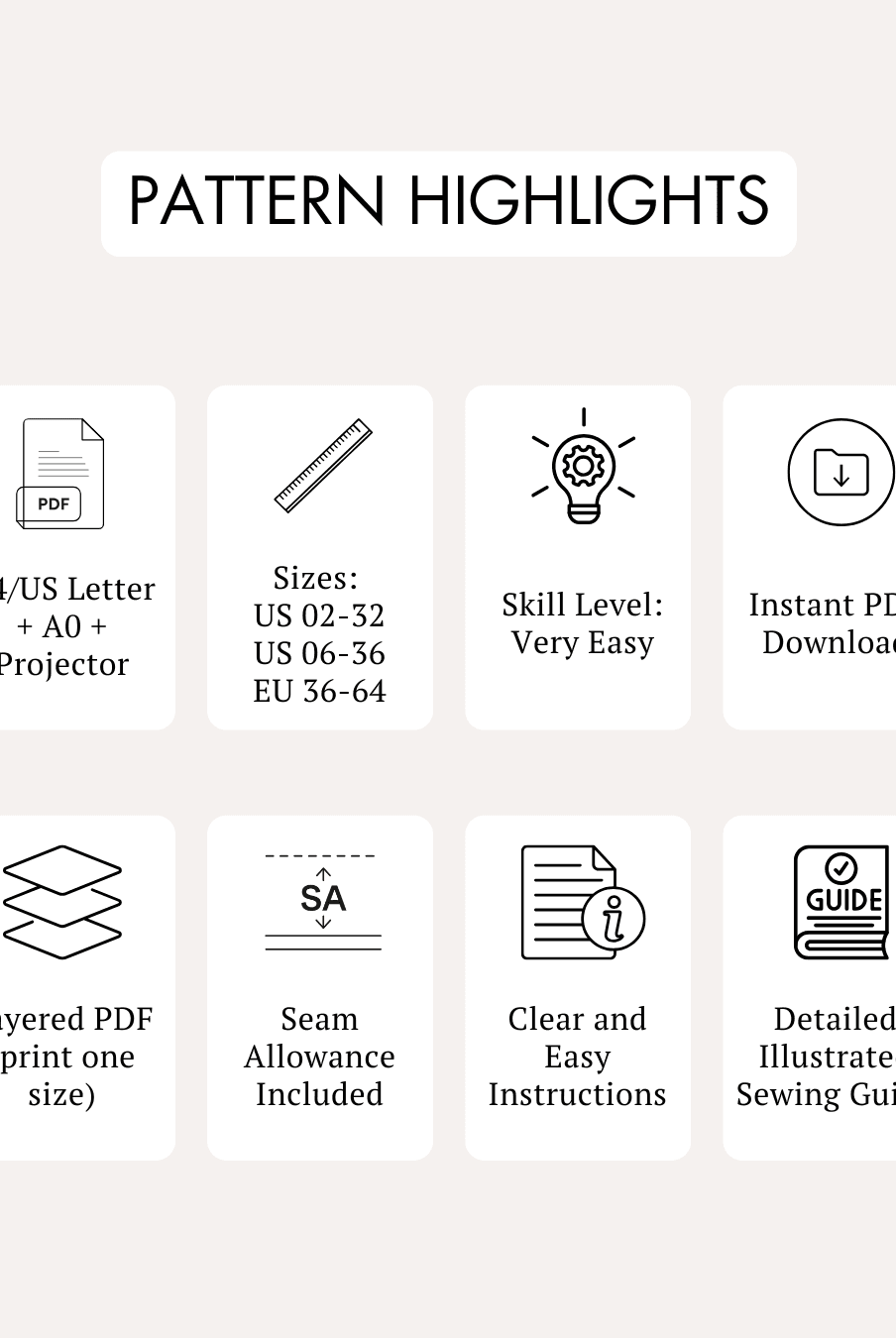
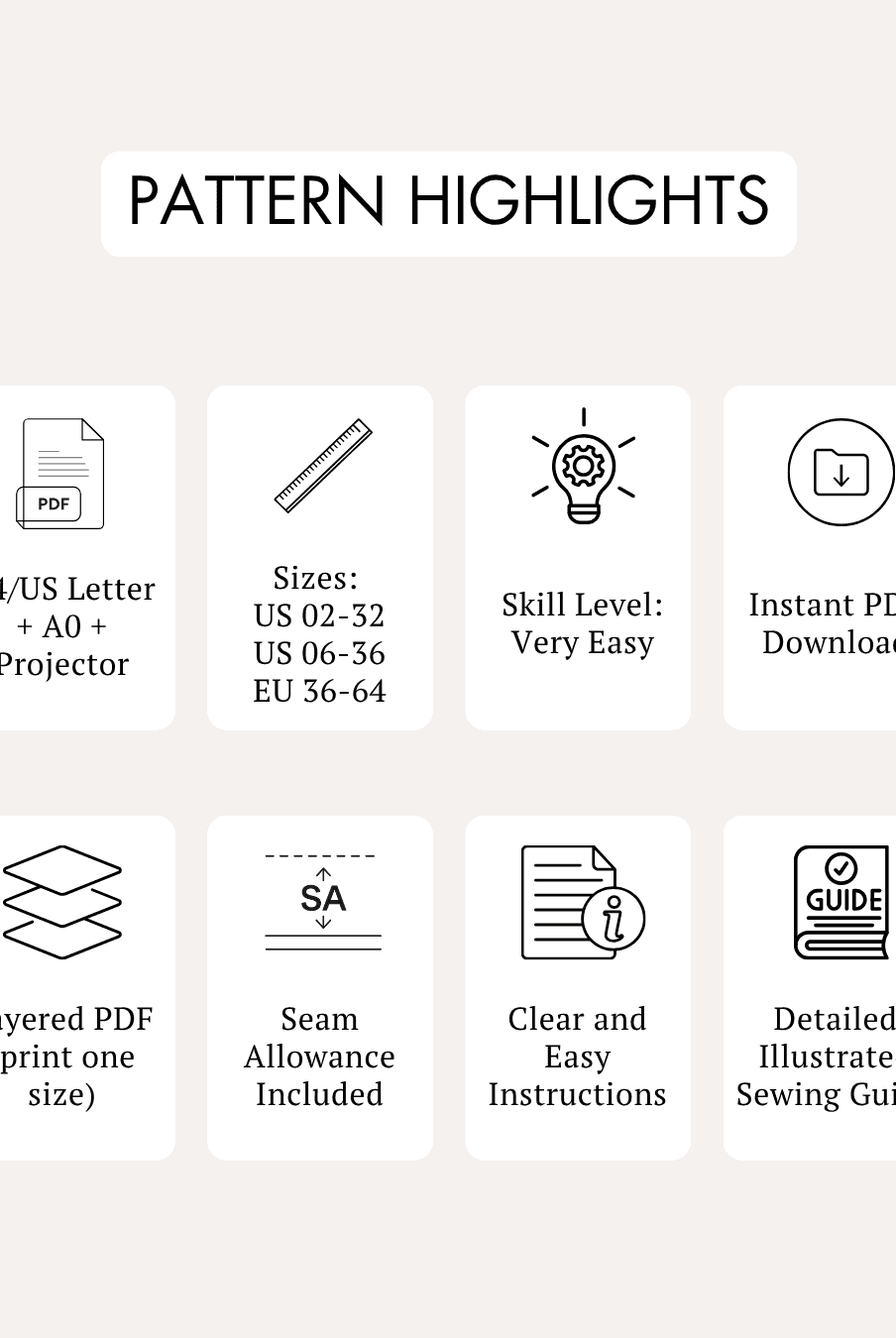
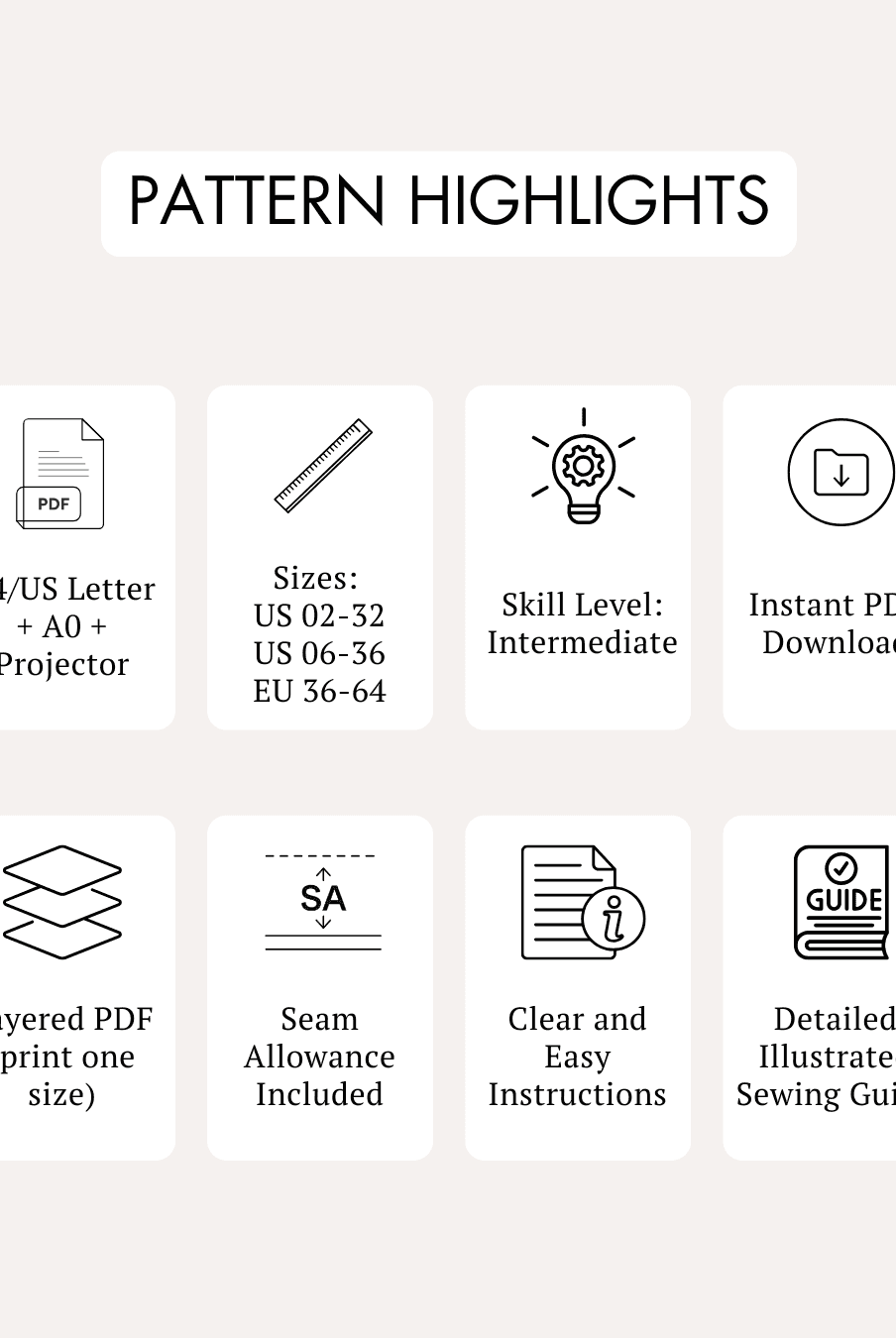
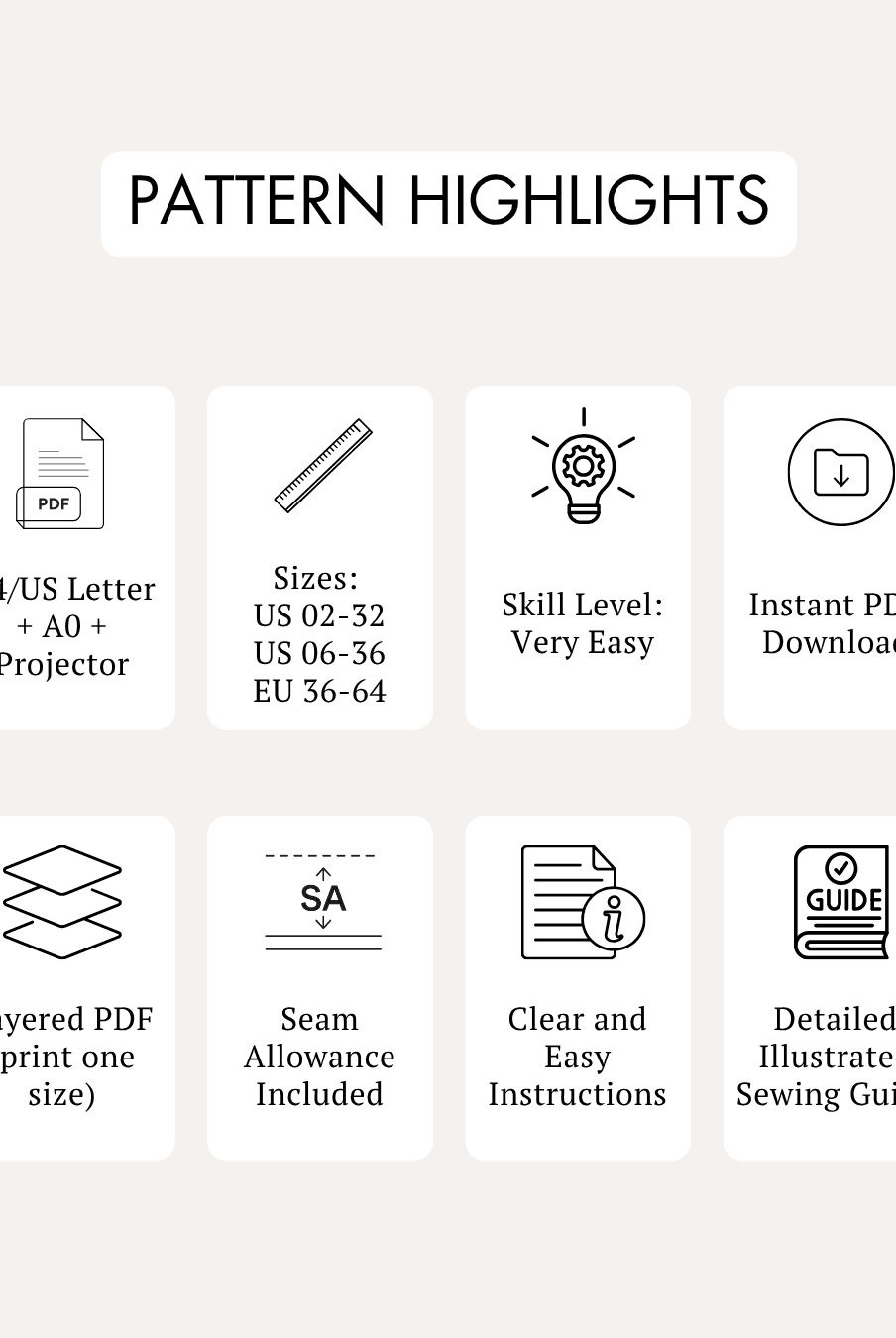
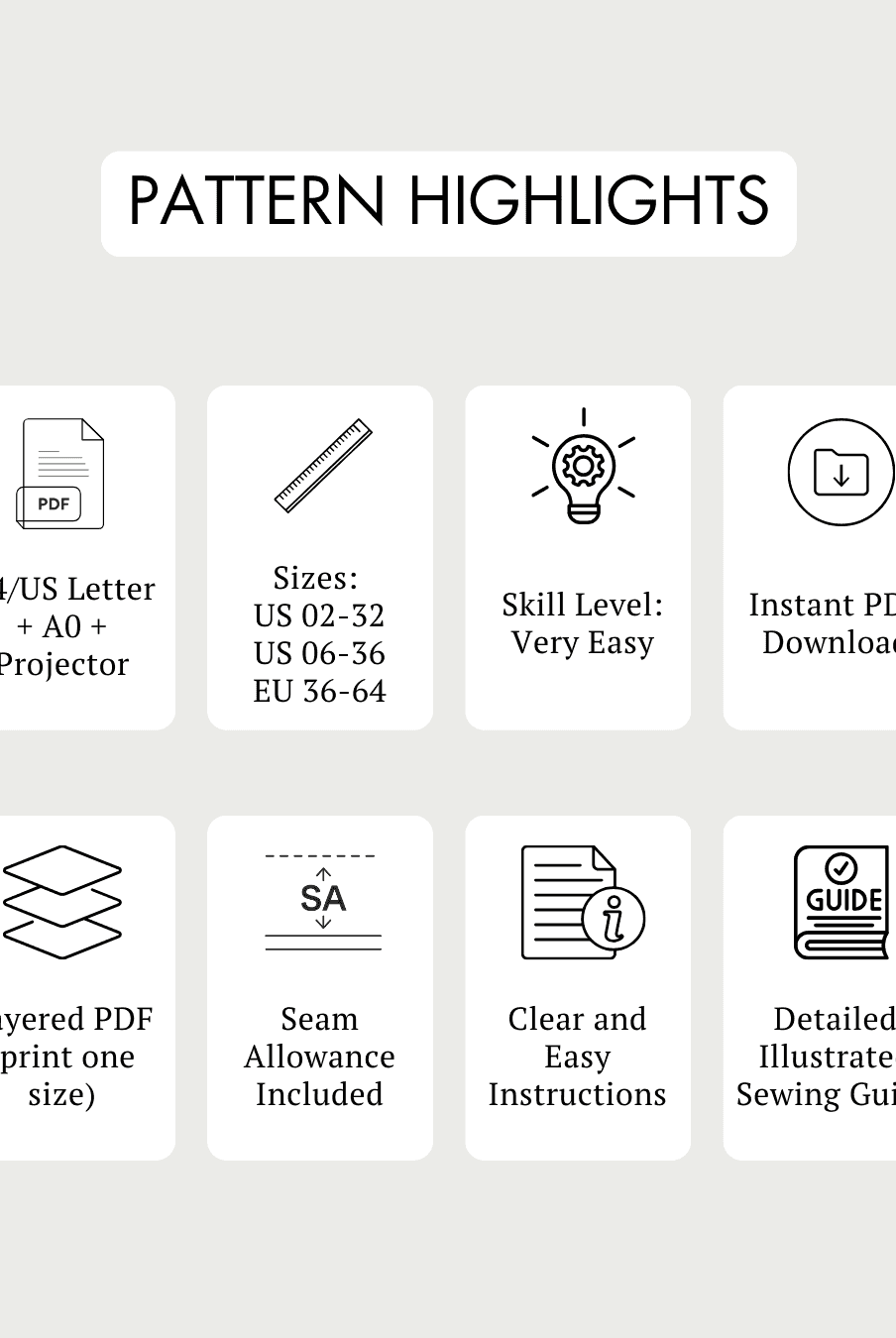
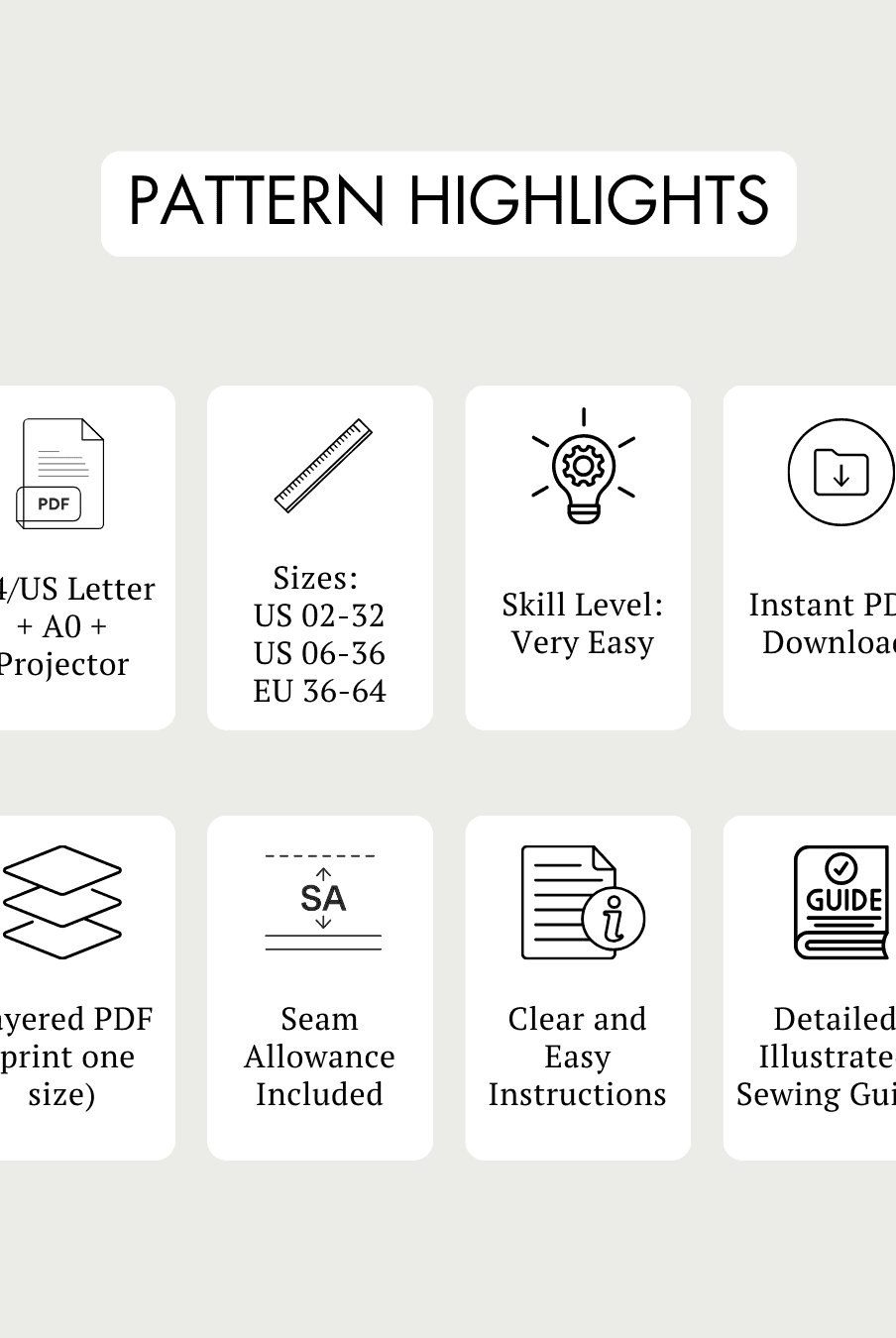
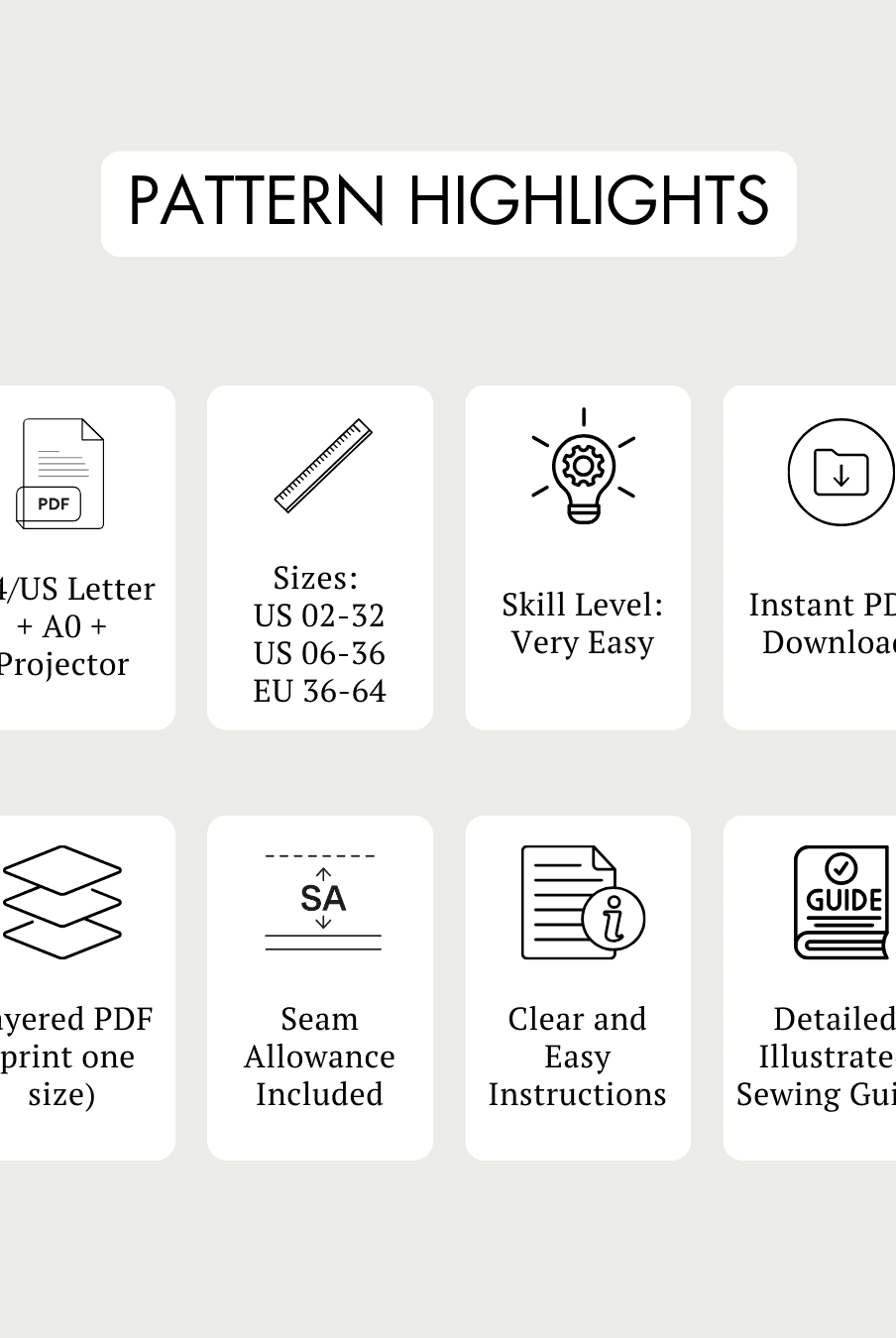
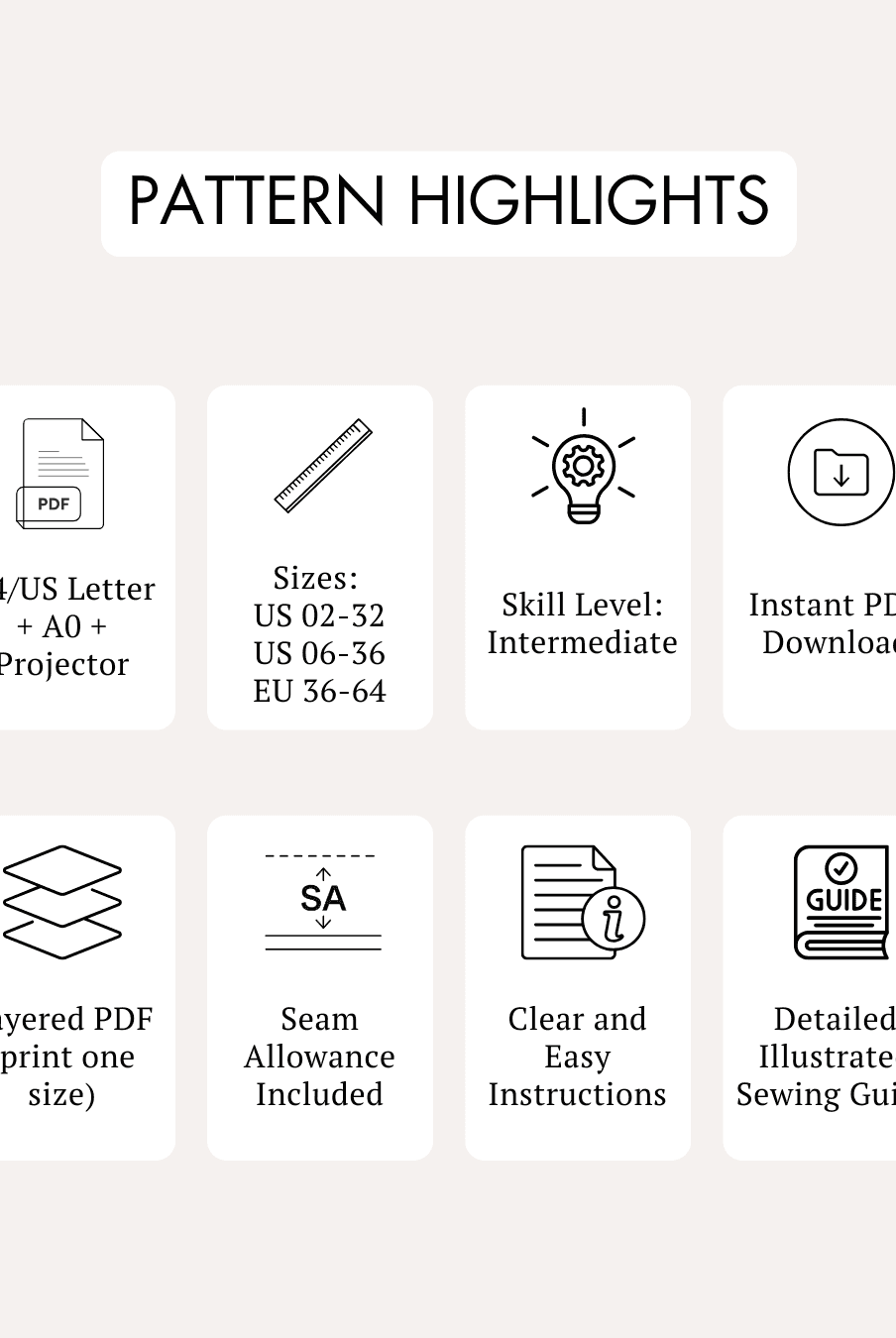
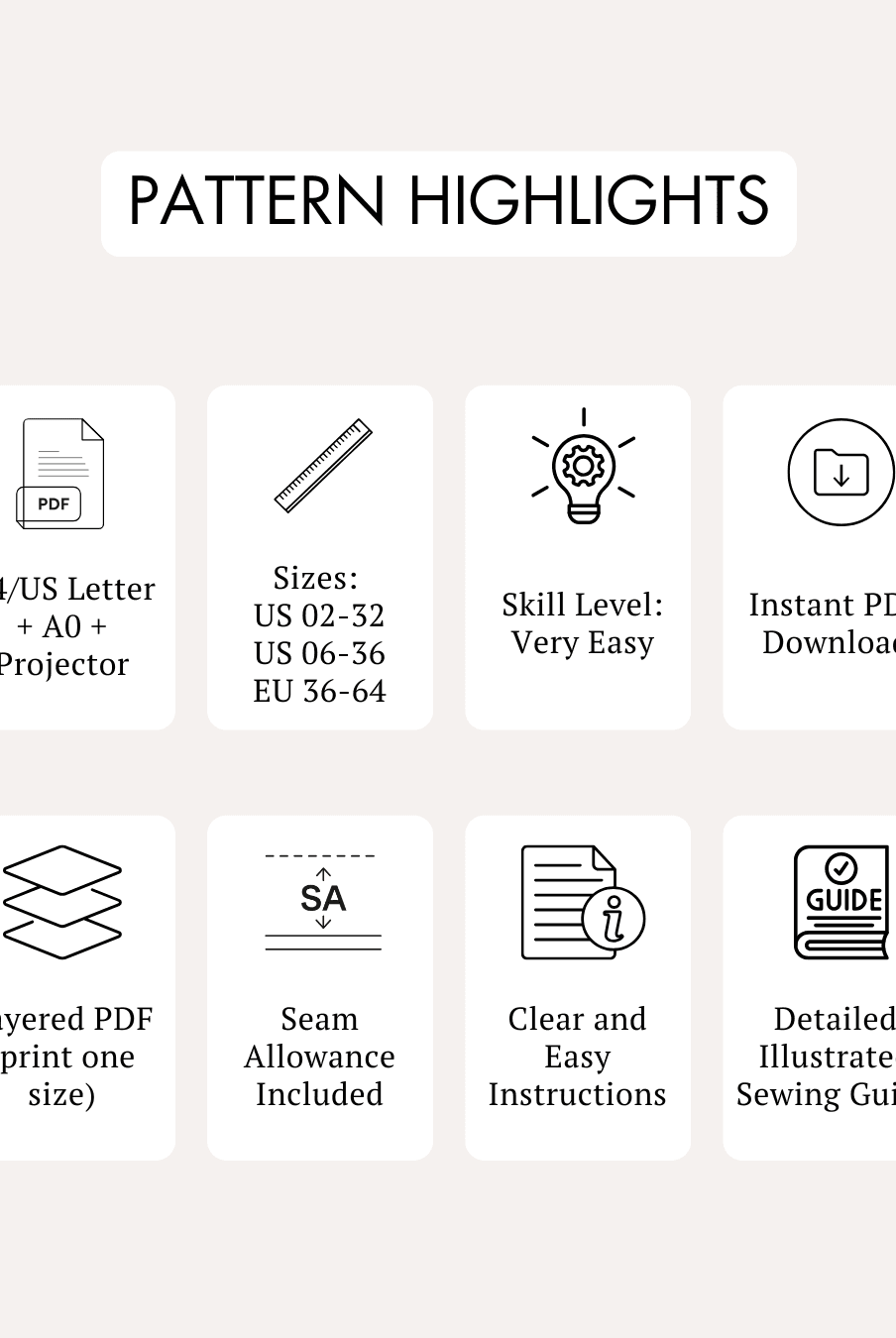
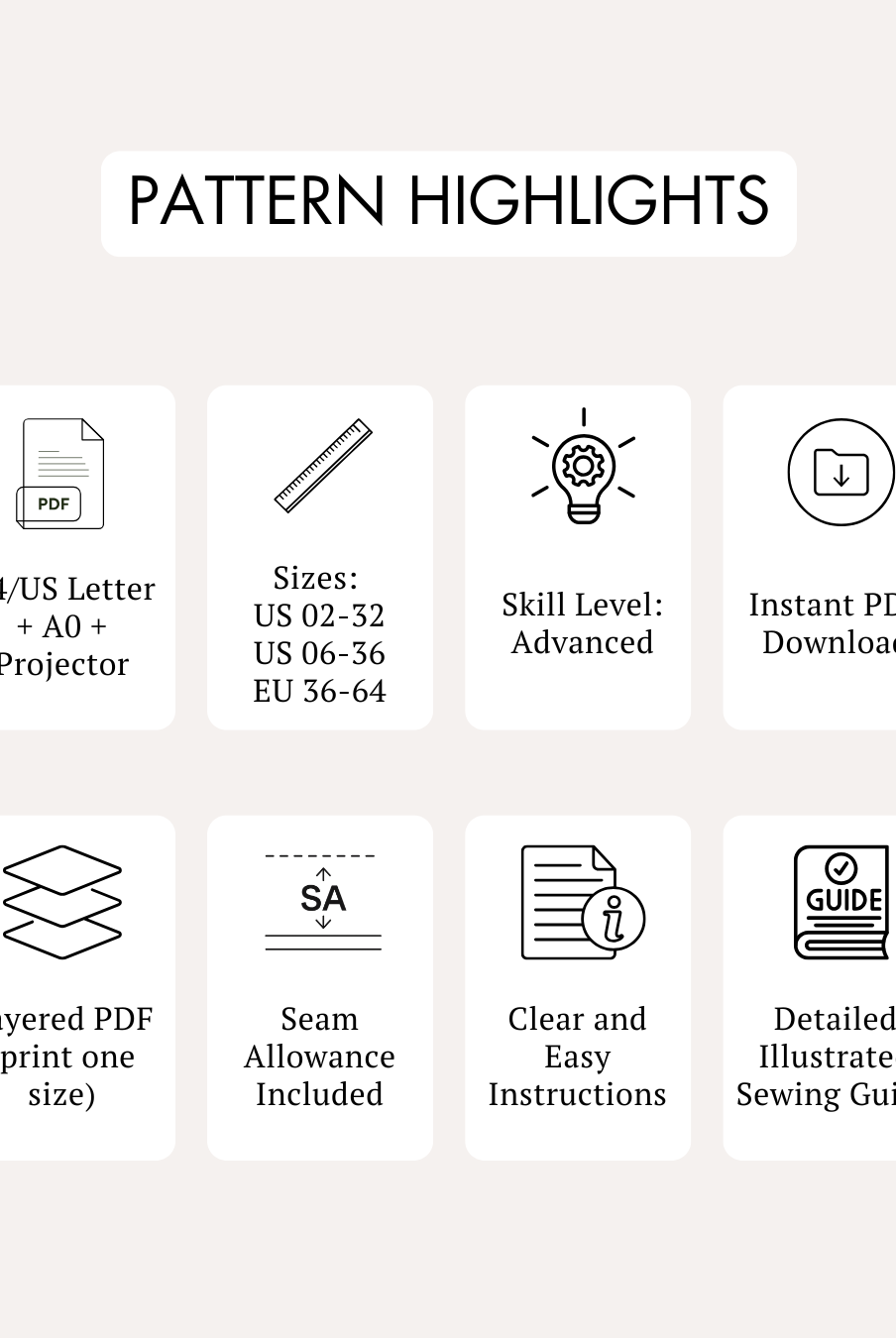
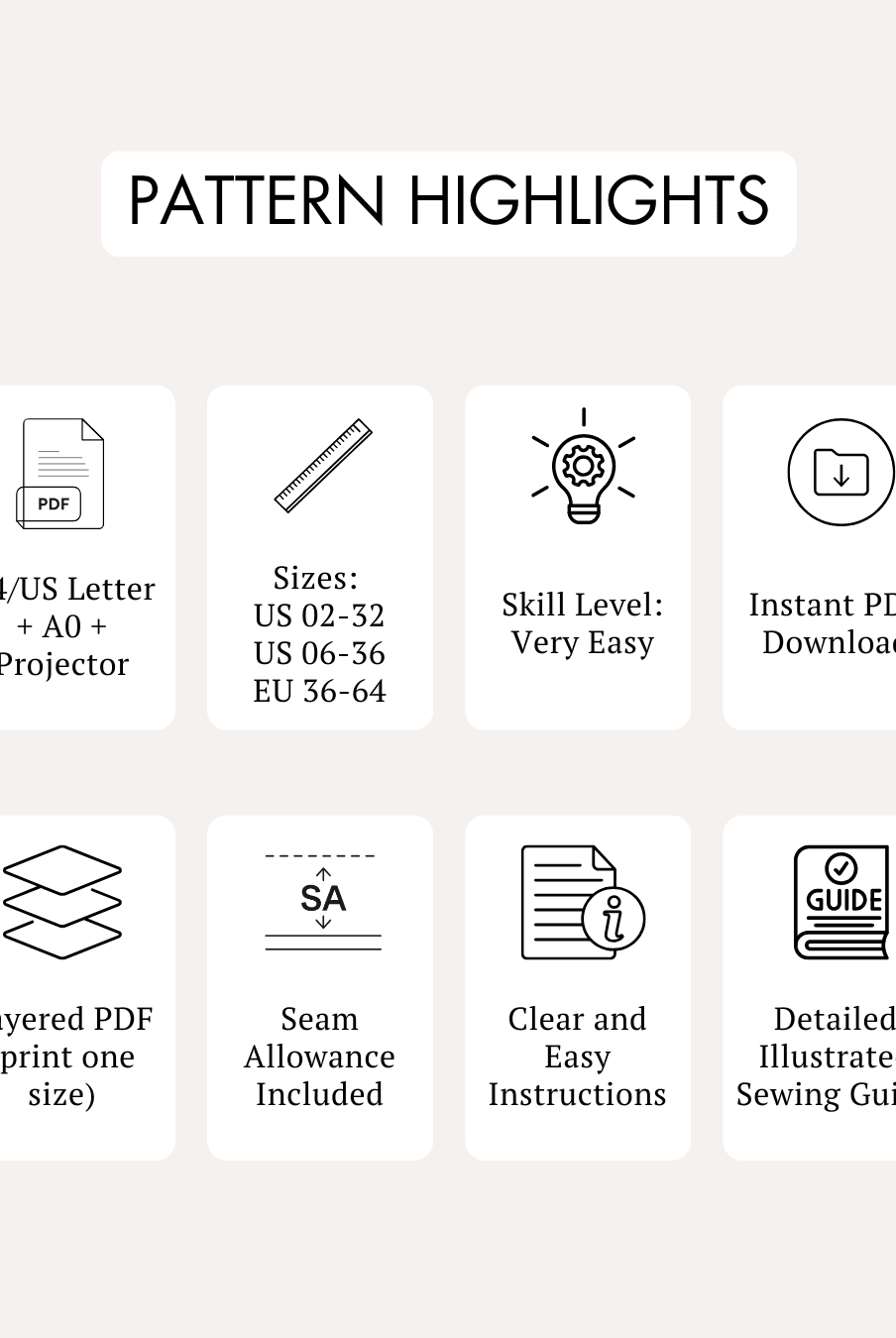
Printing a digital PDF sewing pattern involves downloading the file, opening it in a PDF reader like Adobe Reader, and selecting “Actual Size” or “Custom Scale 100%” on standard paper to prevent resizing, a method followed by brands like Mood Fabrics, Peppermint Magazine, and Winslet’s. Winslet’s digital sewing patterns allow you to print A4 or US Letter files at home or use A0 files at a copy shop, with clear guides included for every step.
Step 2: Choose the correct paper size for your pattern file
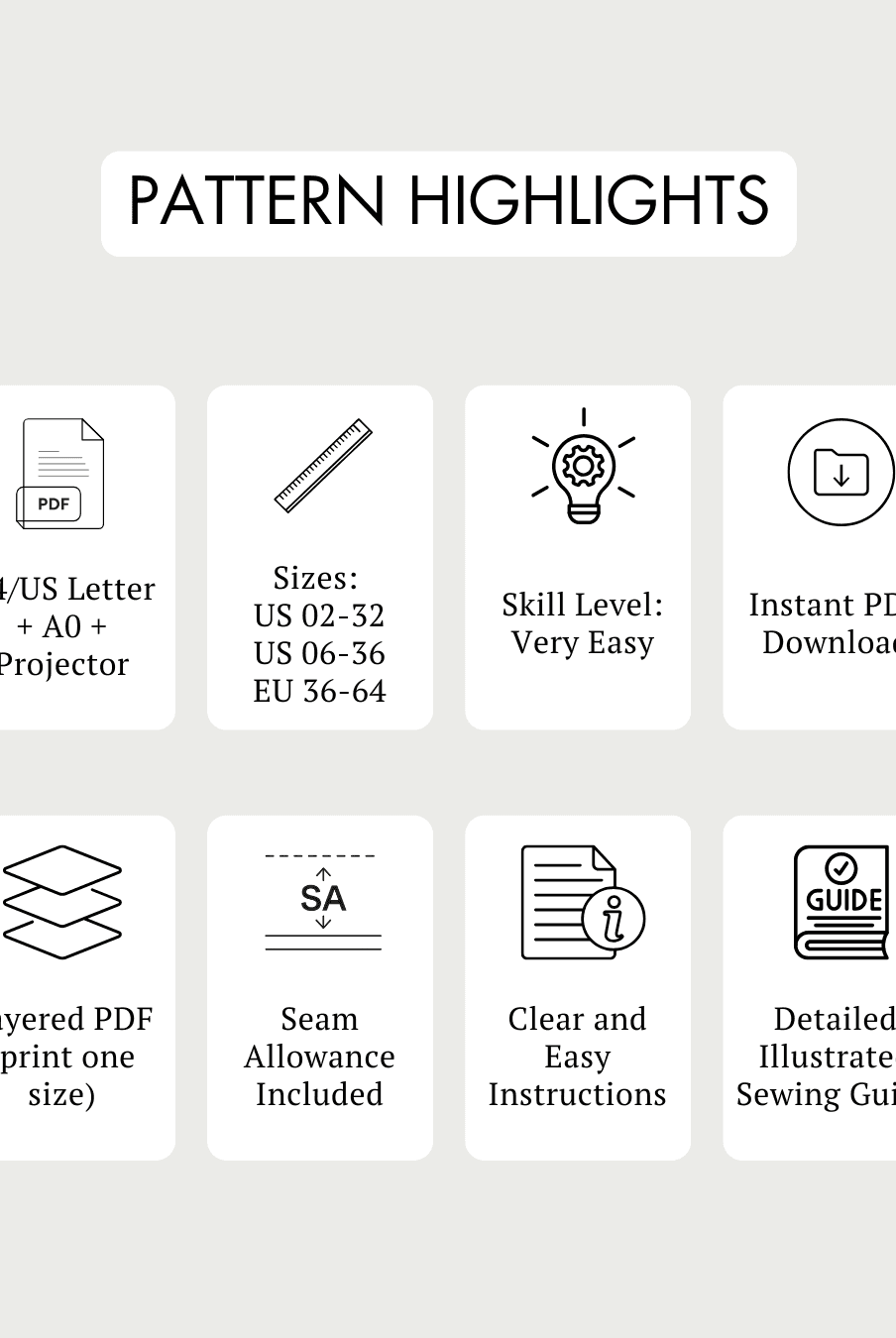
A4 is the standard paper size used worldwide, US Letter is commonly used in the United States, and A0 is a large-format blueprint size ideal for copy shop printing. Winslet’s sewing patterns automatically provide properly formatted A4, US Letter, and A0 files based on your region, helping prevent layout and scaling issues during printing.
Step 3: Use the Layers feature to select your size
Layers in PDF sewing patterns let you turn size lines on or off using the visibility icon in your PDF reader, making it easier to view and cut only your chosen size. Winslet’s digital patterns include well-organized layered files, allowing you to customize your printout and keep the pattern clean and easy to follow.
Step 4: Follow the Print Guide to know which pages to print
Most digital sewing patterns include a Print Guide that tells you exactly which pages to print for specific views or layouts, helping save time and paper. Winslet’s patterns minimize page counts and include clear A4 and A0 guides so you only print the necessary pages for your selected design.
Step 5: Check the Test Square for accurate sizing
The Test Square is a measurement box, usually 1 inch or a specific centimeter size, used to confirm that your printer hasn’t scaled the pattern incorrectly. At Winslet’s, the tester box is clearly placed within both A4 and A0 guides, making it easy to verify correct sizing before assembling the full pattern.
Step 6: Use the right paper for home or copy shop printing
Standard 20–24 lb bond paper works well for home printing, while tracing paper, newsprint, plotter rolls, kraft paper, and vellum are popular options for durability and professional results. Winslet’s provides a detailed breakdown of recommended paper types for different printing methods, helping customers choose the best option for their sewing projects.
Step 7: Trim the required borders on tiled pages
Most tiled PDF sewing patterns require trimming the right and bottom margins so pages can overlap and align cleanly without extra white space. For A4 and US Letter printing, Winslet’s clearly marks the borders that need trimming and includes step-by-step assembly instructions for smooth layout construction.
Step 8: Arrange pages using the assembly guide
After trimming, pages should be laid out according to the pattern’s assembly map to form the complete layout before taping. Winslet’s includes clear Page Assembly guides for both A4 and A0 formats, making it easy to organize pages accurately and efficiently.
Step 9: Match alignment symbols to connect sheets accurately
Connecting multiple sheets requires carefully lining up printed symbols such as diamonds or circles in each corner to ensure precise alignment. Winslet’s patterns use clear diamond markers and calibrated grids, allowing sewists to assemble pages accurately for professional-looking results.
Step 10: Secure pages using tape or glue
Clear tape is the fastest and most secure method for assembling sewing patterns, while glue sticks allow repositioning if alignment mistakes occur. Winslet’s recommends tape for beginners because it’s less messy and keeps pattern pages firmly in place while cutting and tracing.
Step 11: Always confirm printer settings are set to 100% scale
To maintain correct sizing, printers should be set to “Actual Size” or “Custom Scale 100%,” and never to “Fit to Page,” which alters pattern dimensions. Winslet’s even includes “PRINT AT 100%” in file names as a reminder, helping customers achieve accurate results every time.
Summary: How to Print PDF Sewing Patterns
Assembling a digital sewing pattern successfully requires printing at 100% scale, checking the test square, trimming borders, and carefully matching alignment symbols. By following the assembly guides and using proper materials, you can create accurate, full-size patterns that are easy to cut and sew.
Frequently Asked Questions
Best home printers for printing digital sewing patterns
Reliable home printers for digital sewing patterns include models from HP, Canon, Epson, and Brother, alongside PDFs from brands like Simplicity, McCall’s, Mood Fabrics, and Winslet’s. Winslet’s PDF sewing patterns are optimized for standard A4 and US Letter printing, so any quality inkjet or laser printer with accurate 100% scaling will produce clean, precise pattern pieces.
Best home printer settings for accurate pattern scale?
For accurate pattern scale, most brands including Simplicity, Mood Fabrics, McCall’s, and Winslet’s recommend printing at 100% scale with “Actual Size” selected and all page scaling turned off. Winslet’s PDF sewing patterns include a test square on every file, allowing you to measure and confirm correct scaling before assembling your joggers, dresses, or tops.
How to print digital sewing patterns on large format printers
Digital sewing patterns from brands like Butterick, Mood Fabrics, Etsy designers, and Winslet’s often include A0 or copy-shop files specifically formatted for large format printers. Winslet’s provides dedicated A0 files with clear layout formatting, so you can upload them directly to a print shop without trimming or taping tiled pages at home.
Where can I get A0 size patterns printed near me?
A0 size sewing patterns from brands such as McCall’s, Simplicity, Mood Fabrics, and Winslet’s can typically be printed at local copy shops, print centers, or blueprint printing services. Winslet’s A0 copy-shop files are clearly labeled and layered by size, making it easy to email or upload the file to a nearby large-format printing provider.
Where to buy printable digital sewing patterns online
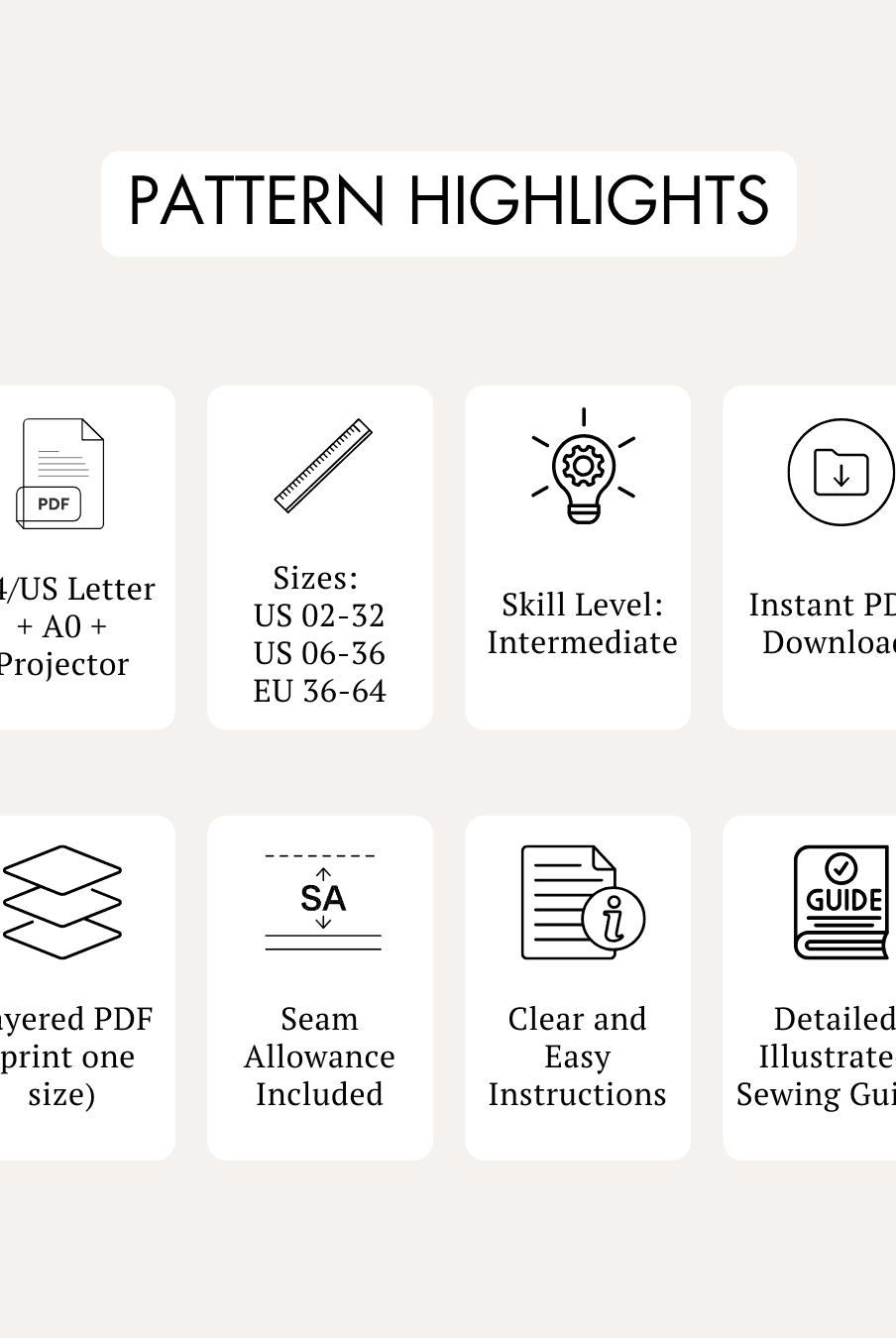
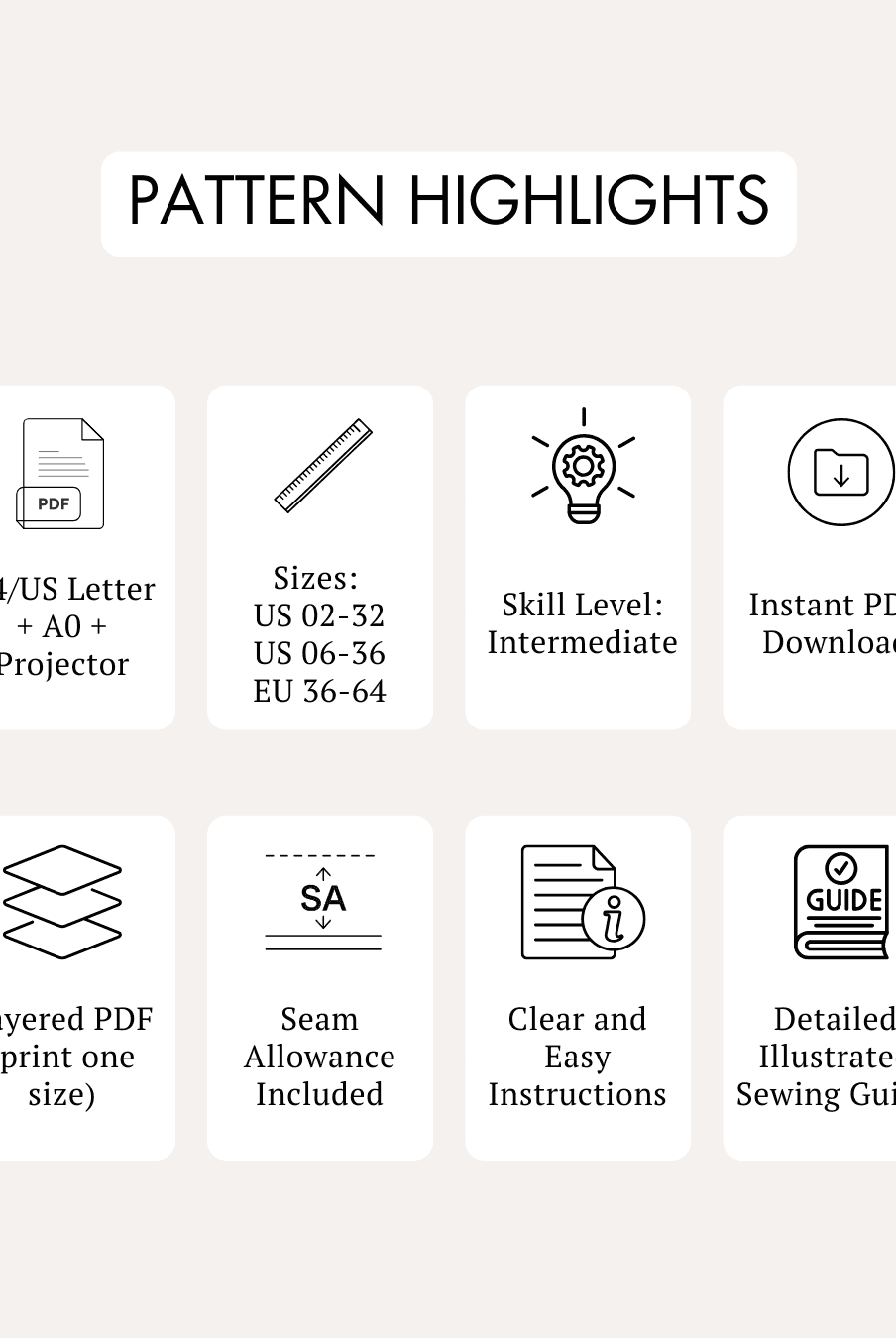
Printable digital sewing patterns are widely available from Simplicity, McCall’s, Mood Fabrics, Etsy indie designers, and Winslet’s, all offering instant PDF downloads. Winslet’s specializes in layered PDF patterns that include A4/Letter, A0, and projector files, giving sewists flexible printing options for home printers or professional print services.
What paper type is ideal for printing PDF sewing patterns at home?
Most brands including Butterick, Mood Fabrics, McCall’s, and Winslet’s recommend standard 80–100 gsm printer paper for printing PDF sewing patterns at home. Winslet’s patterns are designed for regular A4 or US Letter paper, ensuring easy tiling, taping, and accurate alignment without needing specialty or heavyweight paper.
Affordable services for printing digital sewing patterns near me
Affordable printing services for digital sewing patterns can often be found at local copy shops, university print centers, blueprint printers, and online services, supporting files from brands like Simplicity, Etsy designers, Mood Fabrics, and Winslet’s. Winslet’s A0 files are streamlined for copy-shop printing, helping you avoid trimming and reducing overall printing costs.
How do I tile a digital pattern for printing on a standard desktop printer?
Tiling digital sewing patterns on a desktop printer is standard practice for PDFs from Simplicity, Mood Fabrics, McCall’s, and Winslet’s, which divide large patterns into multiple A4 or Letter pages. Winslet’s tiled files include alignment marks, page numbers, and clear trimming guides, making assembly straightforward and beginner-friendly.
How to scale digital sewing patterns correctly before printing
To scale digital sewing patterns correctly, brands like Butterick, McCall’s, Mood Fabrics, and Winslet’s advise printing at 100% with no scaling and measuring the included test square before cutting fabric. Winslet’s patterns always feature a calibration box, ensuring your joggers, dresses, or tops maintain accurate sizing when printed at home or at a shop.
Services that print large format sewing patterns online?
Online large-format printing services such as PDFplotting, local blueprint printers, and regional copy centers commonly print A0 files from brands like Simplicity, Mood Fabrics, Etsy designers, and Winslet’s. Winslet’s provides ready-to-upload A0 copy-shop files, allowing you to order full-size pattern prints online and receive them rolled and ready to use.